Code (iPhone/iPad)
Perform preparation for connecting to your smartphone before connecting.
Press the MENU button on the camera.
1
Press the UP button or DOWN button to select
(Camera Settings) - (Wi-Fi
connection setting) -
, then press the REC/ENTER button.
2
Select the shooting mode (
/ / / ).
3
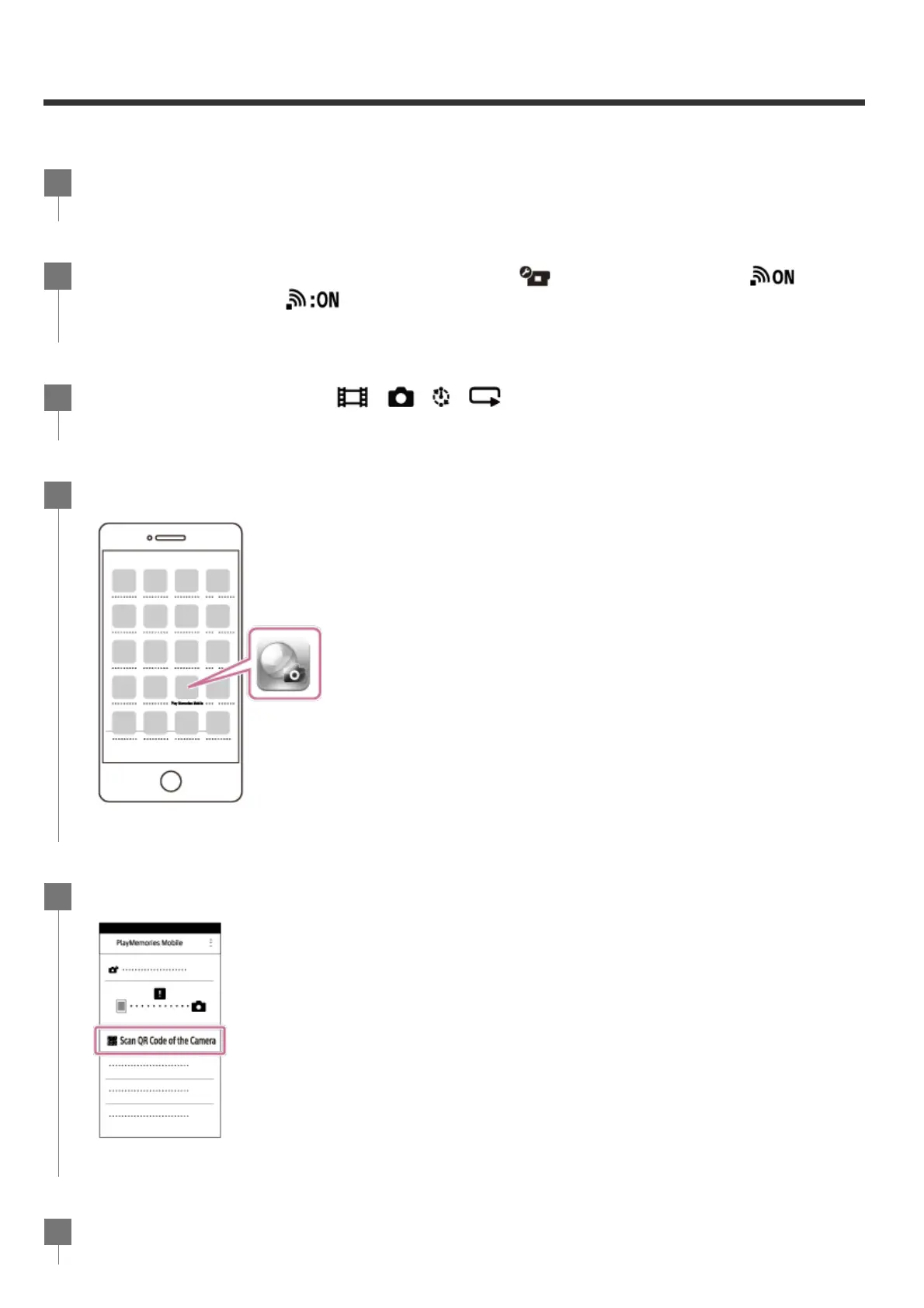
Start PlayMemories Mobile on the smartphone.
4
Select [Scan QR Code of the Camera] on the PlayMemories Mobile.
5
Select [OK] (Select [OK] again when a message is displayed.)
6



 To Next Page