I TA-
211
Amplifier I
[I]
Display
window
=
=
=
=
=
=
=
=
=
=
0
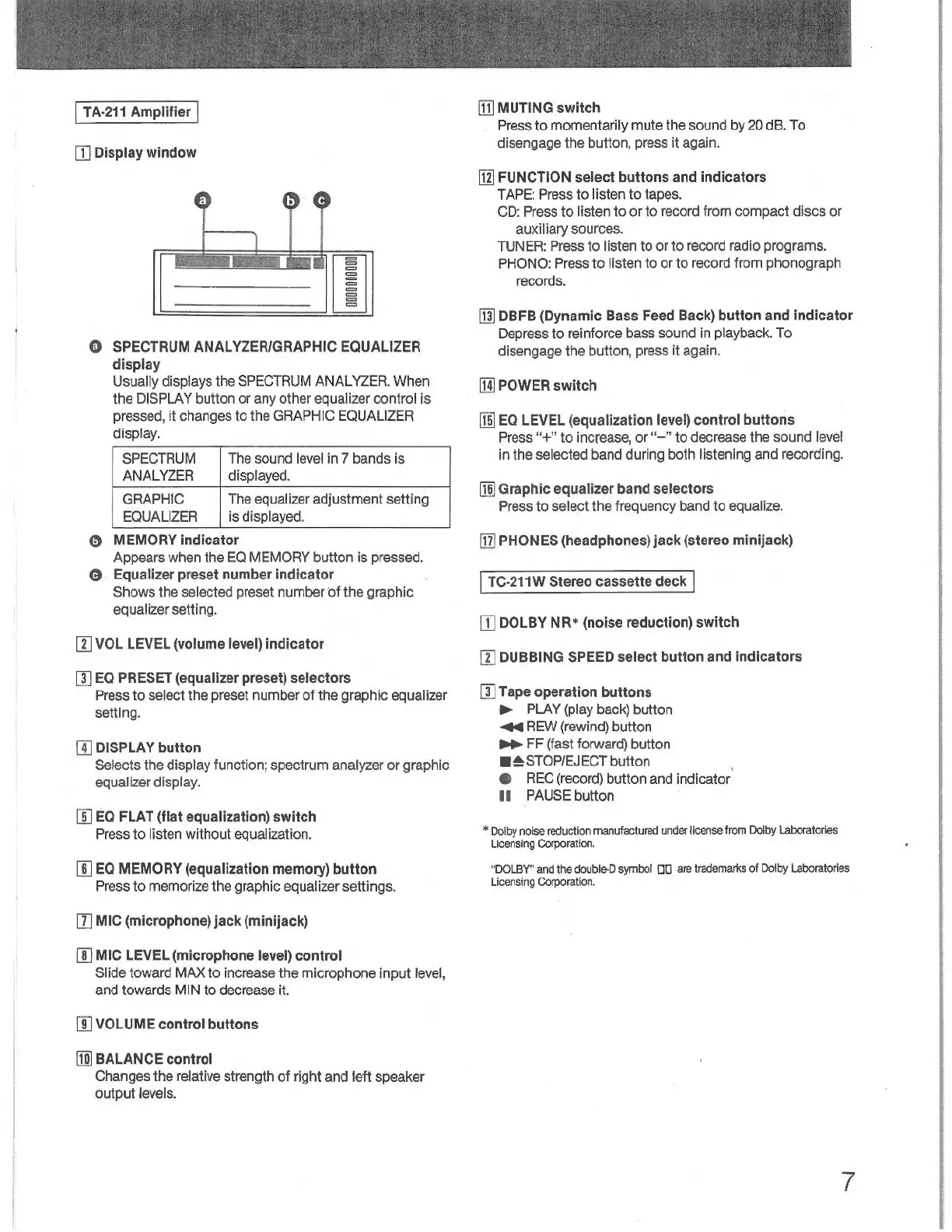
SPECTRUM
ANALYZER/GRAPHIC EQUALIZER
display
Usually displays
the
SPECTRUM ANALYZER.
When
the DISPLAY button
or
any
other equalizer control
is
pressed,
it
changes
to
the
GRAPHIC EQUALIZER
display.
SPECTRUM The sound level in 7 bands
is
ANALYZER
displayed.
GRAPHIC The equalizer adjustment setting
EQUALIZER
is
displayed.
0 MEMORY indicator
Appears when the
EQ
MEMORY
button
is
pressed.
8 Equalizer preset number indicator
Shows
the
selected preset
number
·
ot
the
graphic
equalizer setting.
II]
VOL
LEVEL
(volume
level)
indicator
[l)
EQ
PRESET
(equalizer preset) selectors
Press
to
select the preset number
of
the
graphic equalizer
setting.
ill
DISPLAY
button
Selects the display function; spectrum analyzer
or
graphic
equalizer display.
[I]
EO
FLAT
(flat equalization) switch
Press
to
listen
without
equalization.
[]]
EQ
MEMORY (equalization
memory)
button
Press
to
memorize the graphic equalizer
settings
.
II] MIC (microphone) jack (minijack)
[I) MIC
LEVEL
(microphone
lev
el) control
Slide toward
MAX
to
increase
the
microphone
input
level,
and towards
MIN
to
decrease it.
[I] VOLUME control buttons
[ID
BALANCE
control
Changes
the
relative strength
of
right
and
left
speaker
output
levels.
[j] MUTING switch
Press
to
momentarily
mute
the sound by 20 dB.
To
disengage
the
button, press
it
again.
[i] FUNCTION select buttons
and
indicators
TAPE: Press
to
listen
to
tapes.
CD: Press
to
listen
to
or
to
record from
compact
discs
or
auxiliary sources.
TUNER: Press
to
listen
to
or
to
record radio programs.
PHONO: Press
to
listen
to
or
to
record from phonograph
records.
[j]
DBFB
(Dynamic
Bass
Feed
Back)
button
and
indicator
Depress
to
reinforce bass sound
in
playback.
To
disengage
the
button, press
it
again.
[Ill
POWER
switch
[!ID
EO
LE
V
EL
(equalization
level)
control buttons
Press "+"
to
increase,
or"-"
to
decrease the sound level
in
the selected band during both listening
and
recording.
[ID
Graphic equalizer band selectors
Press
to
select
the
frequency band
to
equalize.
ITI]
PHONES (headphones) jack (stereo minijack)
I
TC
-
211W
Stereo cassette
deck
I
[I]
DOLBY
NR •
(noise
reduction)
switch
lI]
DUBBING
SPEED
select button
and
indicators
[l)
Tape operation buttons
►
PLAY (play back) button
..a
REW (rewind) button
.._
FF
(fast forward) button
■
~STOP/EJECT
button
• REC (record) button and indicator
11
PAUSE button
*
Do
l
by
noise reduction manufactured
un
der
license from
Do
l
by
Laboratori
es
Licensing
Corpora
ti
on.
"DOLBY
"
and
the
double-D
symbol DD
are
trademarks
of
Dolby
Laboratories
Lice
nsing
Corporation.
7



 To Next Page