35
GB
GB
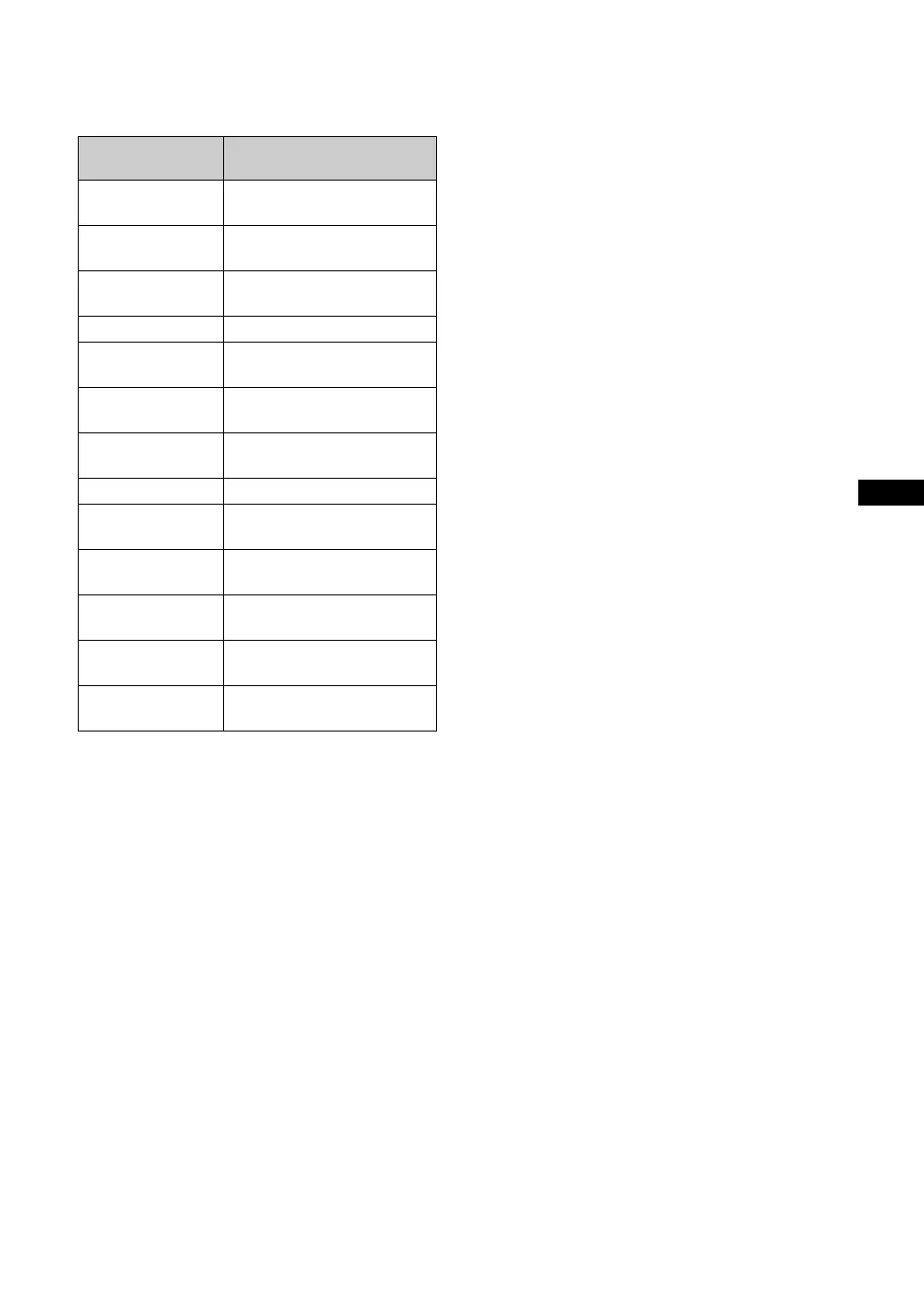
Actual on-screen display of the input signal
and the display’s status
On-screen
display
Significance
640 × 480 / 60 (e.g.) The selected input signal is a PC
signal.
480 / 60I (e.g.) The selected input signal is
component video.
Not Supported Signal The selected input signal is
non-supported signal.
No Signal There is no input signal.
HD15 The selected input is HD15.
“RGB/YUV” is set to “Auto”.
HD15 RGB The selected input is HD15.
“RGB/YUV” is set to “RGB”.
HD15 Component The selected input is HD15.
“RGB/YUV” is set to “YUV”.
DVI The selected input signal is DVI.
Option Option input is selected. “RGB/
YUV” is set to “Auto”.
Option RGB The analogue RGB signal of
Option input is selected.
Option Component The component video signal of
Option input is selected.
Option HDMI 1/
Option HDMI 2
The HDMI 1 or HDMI 2 signal
of Option input is selected.
Option HD SDI The HD SDI signal of Option
input is selected.





 To Next Page