26
GB
Press ILLUMINATION on the unit.
Each time you press the button, the power
illuminator changes cyclically as follows:
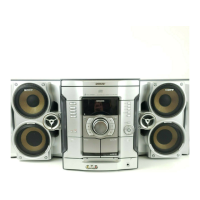
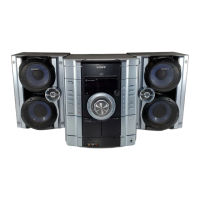
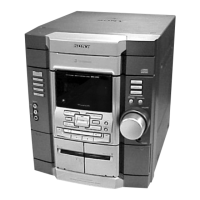
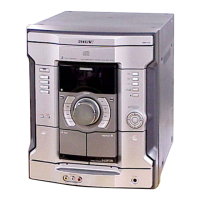
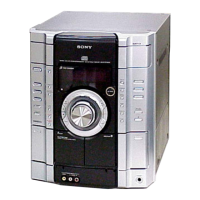
MHC-GX555/RG575S/RG475S/RG470
PATTERN 1 t PATTERN 2 t PATTERN 3
t ILLUM OFF
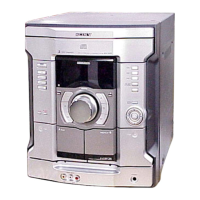
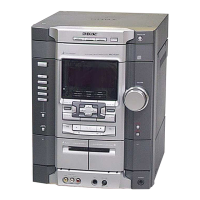
MHC-GX355/GX255/RG270/RG170
ILLUM ON y ILLUM OFF
Press DISPLAY while listening to the radio.
Each time you press the button, the display
changes cyclically as follows:
Station name
1)
t Preset number
2)
and
frequency t Clock display (for eight seconds)
t Effect status
1)
European model only
2)
Preset number is displayed only if you preset radio
stations (page 14).
Changing the Power
illuminator
Viewing the tuner
information in the display


 To Next Page