– 6 –
Example 1: If “42” is displayed
Higher bit: 4=0100 → b6
Lower bit: 2=0010 → b1
This case shows that retry was made due to combined causes of
“CLV unlock” and “ADIP error ”.
Example 2: If “A2” is displayed
Higher bit: A=1010 → b7 + b5
Lower bit: 2=0010 → b1
This case shows that retry was made due to combined causes of
“cannot access”, “IV-R”, and “ADIP error ”.
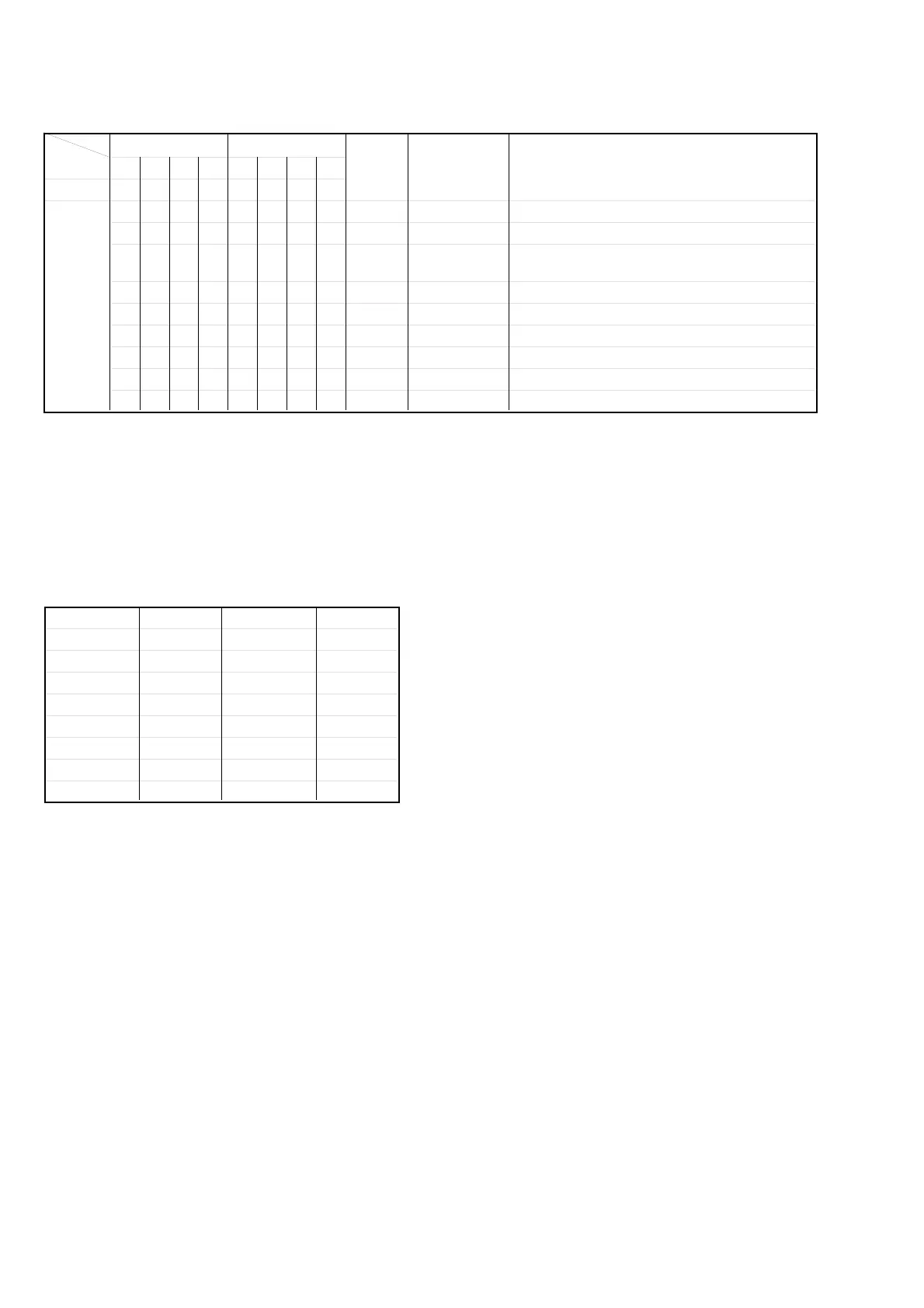
How to Use Table 1-1.:
Use table 1-1. by converting hexadecimal number of each digit
into decimal number (see table 1-2). If an error occurred by two
or more causes, respective numbers are added.
*1 Some may not be used depending on the microcomputer version.
Table 1-2. Hexadecimal number - Decimal number
Conversion
Hexadecimal Decimal Hexadecimal Decimal
0 0000 8 1000
1 0001 9 1001
2 0010 A 1010
3 0011 B 1011
4 0100 C 1100
5 0101 D 1101
6 0110 E 1110
7 0111 F 1111
84218421 Description
Bit b7 b6 b5 b4 b3 b2 b1 b0
00000000 00 spindle slow When spindle speed slow was detected
00000001 01 shock *1 When shock over 3.5 was detected
00000010 02 ader 5
When ADER was counted more than 5 times
successively
00000100 04 address error ADIP addresses are not serial
00001000 08 (Not used) Not used
00010000 10 focus Focusing failed
00100000 20 IV-R ABCD signal level exceeded the specified range
01000000 40 CLV unlock CLV is unlocked (CLV is out of range)
10000000 80 cannot access Access failed
Table 1-1. Description of Retry Cause Display
Hexa-
decimal
Lower Bit
Upper Bit
Name of
Retry Cause
Hexa-
decimal
Decimal



 To Next Page