HMD-A400
– 3 –
POWER SAVING FUNCTION
DIAGNOSIS
This monitor meets the power-saving guidelines set by VESA,
E
NERGY
S
TAR, and NUTEK. If no signal is received by the
monitor from the connected computer, the monitor will
automatically reduce power consumption as shown below.
* Figures reflect power consumption when no USB compatible
peripherals are connected to the monitor.
** When your computer enters the “active off” mode, the input signal is
cut and NO INPUT SIGNAL appears on the screen. After 20 seconds,
the monitor enters the power saving mode.
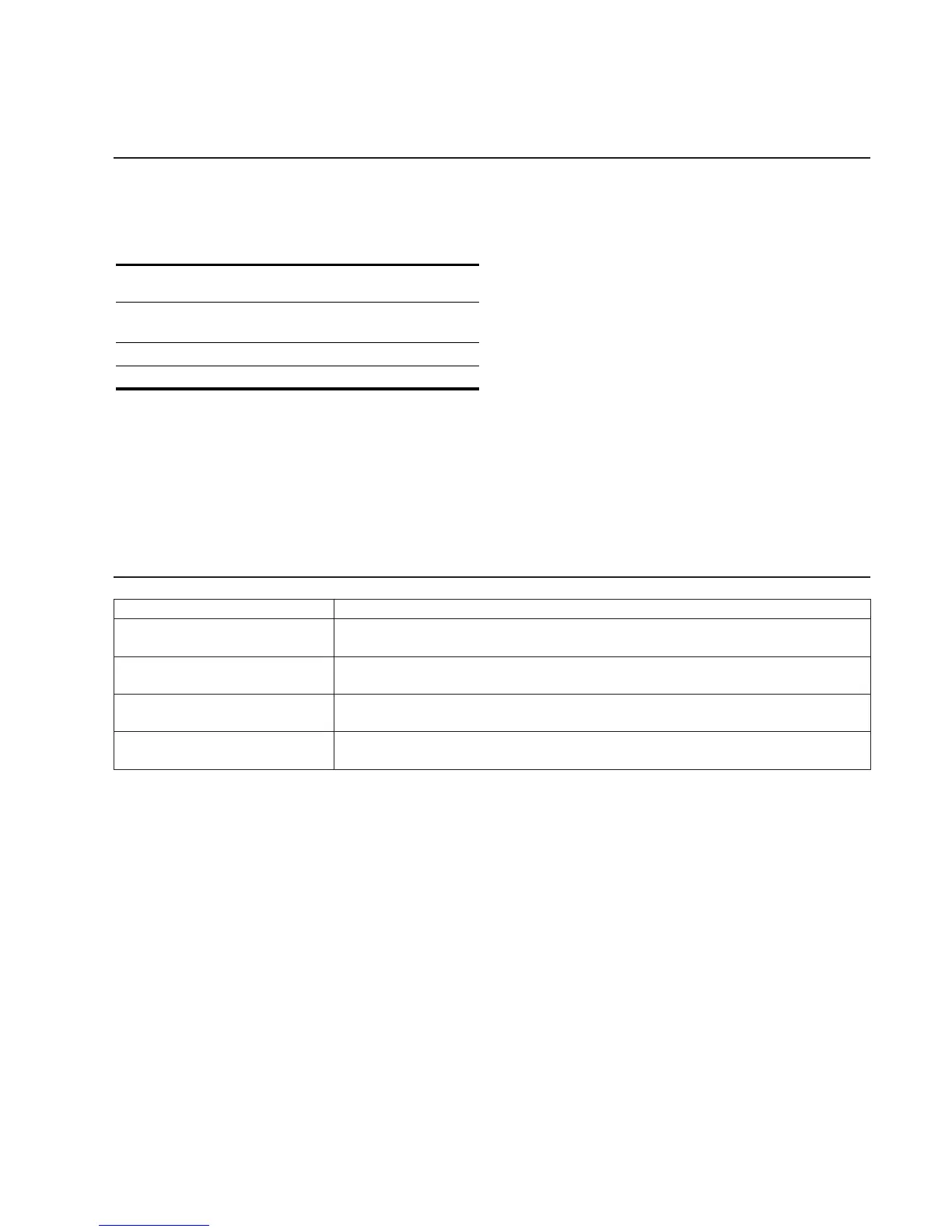
Power mode Power
consumption*
! (power)
indicator
normal
operation
≤ 150 W green
active off** ≤ 3 W orange
power off 0 W off
Failre
HV or +B failure or Hstop
Vstop
ABL protector
Aging / Self Test
Power LED
Orange → Off
(0.5 sec) (0.5 sec)
Orange → Off
(1.5 sec) (0.5 sec)
Orange → Off
(0.5 sec) (1.5 sec)
Orange → Off → Green → Off
(0.5 sec) (0.5 sec) (0.5 sec) (0.5 sec)
Self Test (OSD Color Bar) : During Power Save, press “CONT” (,) key for longer than 2 second.





 To Next Page