15
GB
Getting Started
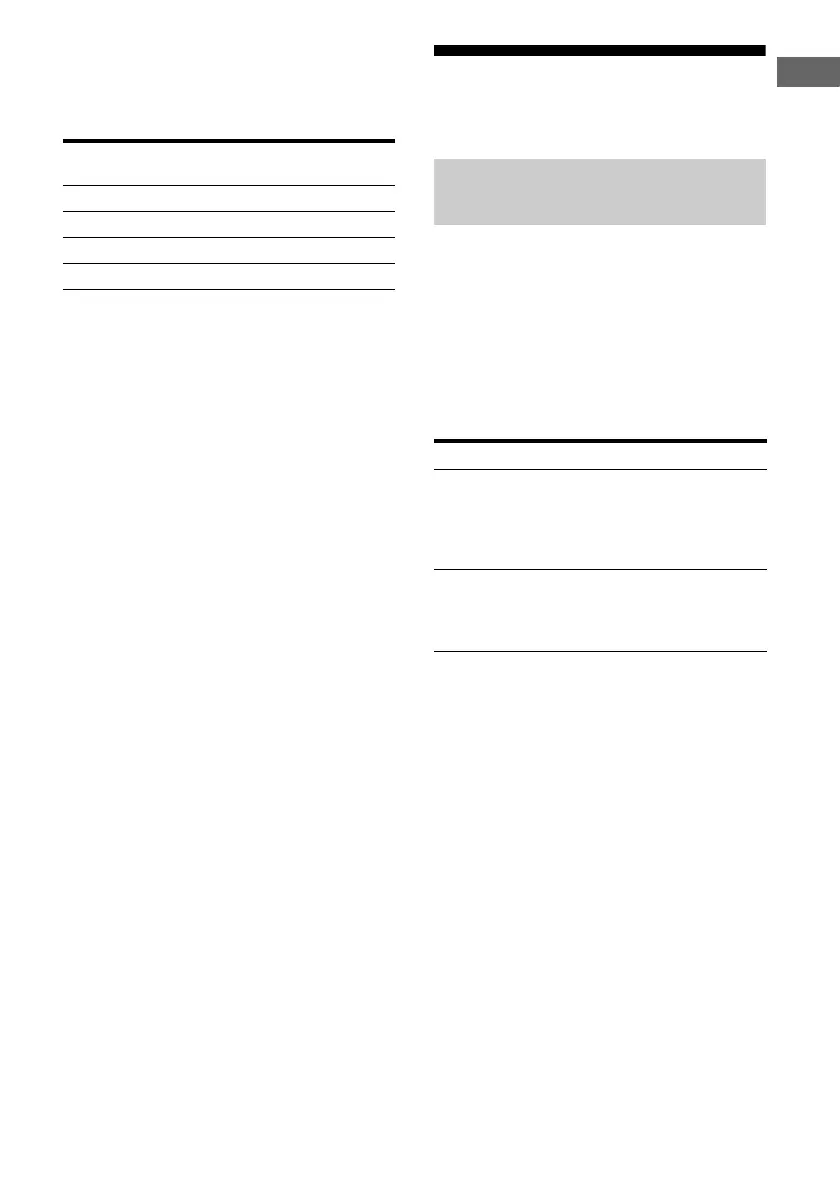
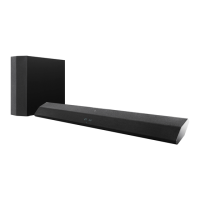
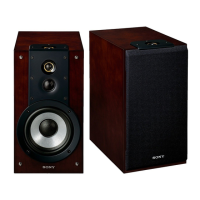
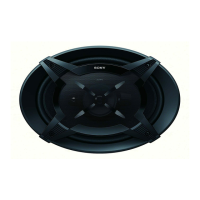
To connect the speakers
correctly
Check the speaker type by referring to the
speaker label* at the rear panel of the speakers.
* The center speaker and subwoofer do not have any
character on the speaker label. For details on the
speaker type, see page 3.
Tip
Use the supplied speakers to optimize the system’s
performance.
3: Connecting the audio/
video components
This section describes how to hook up your
components to this receiver. Before you begin,
refer to “Component to be connected” below
for the pages which describe how to connect
the audio/video components.
After connect all your components, proceed to
“4: Connecting the antennas” (page 20).
Component to be connected
Character on
speaker label
Speaker type
L Front left
R Front right
SL Surround left
SR Surround right
How to hook up your
components
To connect See
Audio components
• Super Audio CD player/
CD player
• Portable audio such as MP3
player, etc.
page 16
Video components
• DVD player/Blu-ray disc player
• Satellite tuner/Set-top box
•TV
page 18



 To Next Page