11
GB
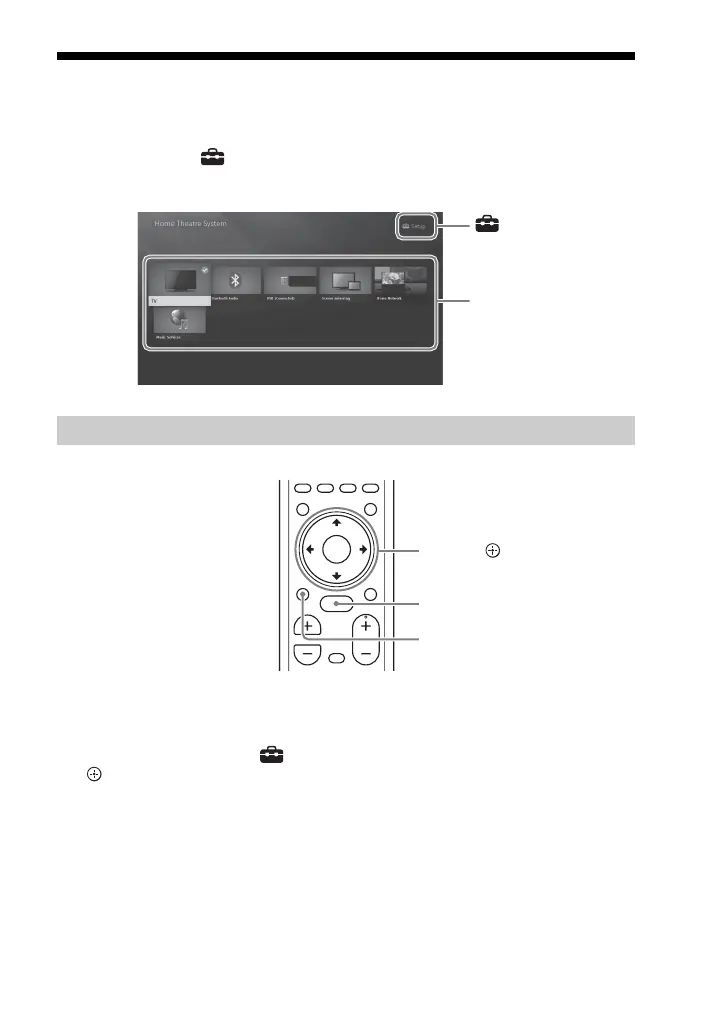
About the Home Menu
You can display the home menu on the TV screen by connecting the system and TV
with the HDMI cable (not supplied). From the home menu, you can set the various
settings by selecting [Setup] or select the input or service that you want to watch
from the input list.
1 Press HOME.
The home menu appears on the TV screen.
2 Press /// to select [Setup] or an item on the input list, then press
.
The selected input or setup display appears on the TV screen.
To return to the previous screen, press BACK.
Using the Home Menu



 To Next Page