19
GB
Selecting the Sound Effect
Setting the Sound Effect
that is Tailored to Sound
Sources (SOUND FIELD)
You can easily enjoy pre-programmed
sound effects that are tailored to
different kinds of sound sources.
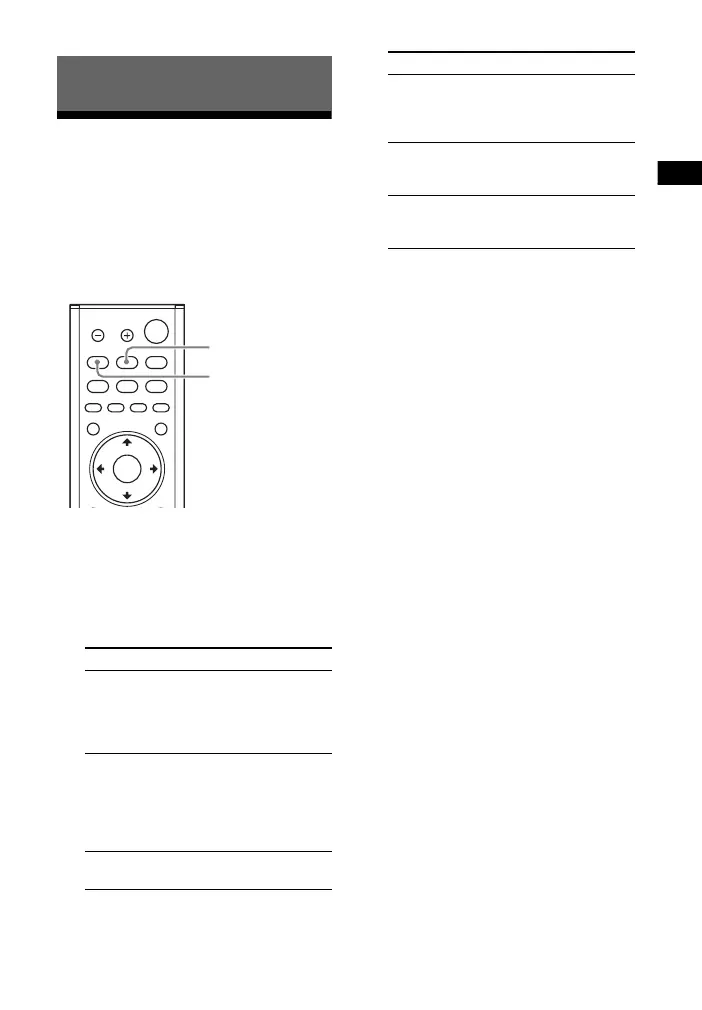
1 Press SOUND FIELD.
The sound field menu appears on
the TV screen.
2 Press the button repeatedly to
select the desired sound field.
Tips
• You can select [ClearAudio+] by pressing
CLEAR AUDIO+ on the remote control.
• You can select the sound field from the
options menu (page 47).
Selecting the Sound Effect
Sound field Explanation
[ClearAudio+]
The appropriate
sound setting is
automatically
selected for the
sound source.
[Movie]
Sound effects are
optimized for
movies. This mode
replicates the
density and rich
expanse of sound.
[Music]
Sound effects are
optimized for music.
[Sports]
Commentary is clear,
cheers are heard as
surround sound, and
sounds are realistic.
[Game
Studio]
Sound effects are
optimized for game
play.
[Standard]
Sound effects are
optimized for the
individual source.
Sound field Explanation



 To Next Page