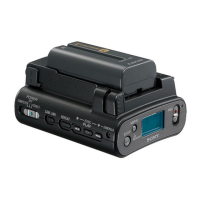
HVR-DR60
6-5
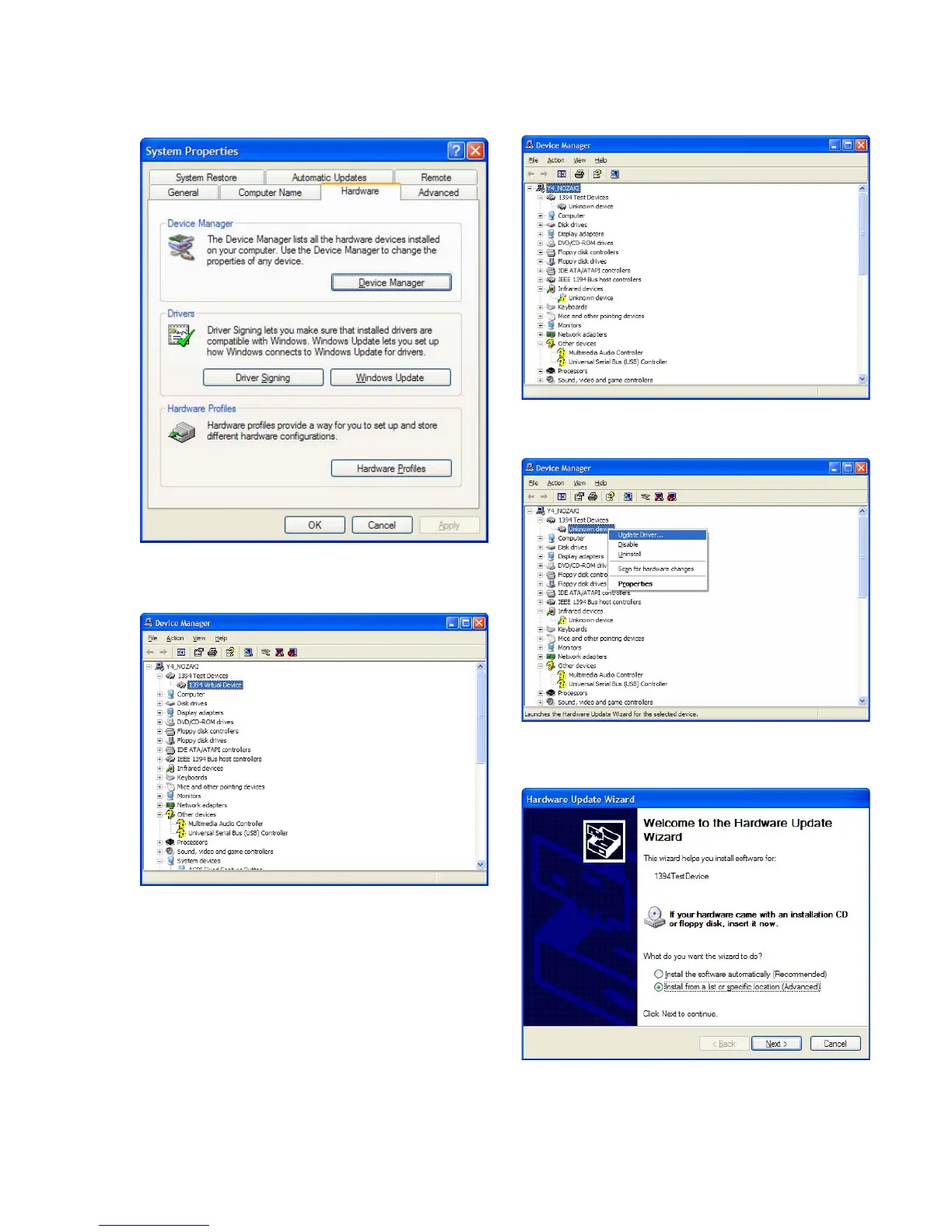
15. Confirm the result of driver installation.
Open “System Properties” → “Device Manager”.
Fig. 6-3-12
16. If “1394 Virtual device” is displayed below “1394 Test De-
vices”, the installation is normally finished.
Fig. 6-3-13
17. If “Unknown device” is displayed below “1394 Test Devices”,
update the driver in the procedures below.
Fig. 6-3-14
18. Right-click “Unknown devices” and select “Update Driver”.
Fig. 6-3-15
19. Select “Install from a list or specific location” and click “Next”.
Fig. 6-3-16




 To Next Page