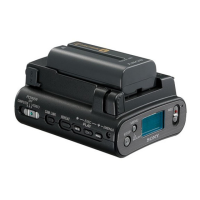
HVR-DR60
6-13
(4) Press the ENTER key.
The command prompt automatically closes and the program
is terminated.
(5) Clear the accumulated running hour (POW ON).
Execute POWER_E.bat.
Fig. 6-13-3
Fig. 6-13-4
(6) Clear the accumulated running hour (REC).
Execute REC_E.bat.
Fig. 6-13-5
Fig. 6-13-6
(7) Clear the accumulated running hour (PB).
Execute PB_E.bat.
Fig. 6-13-7
Fig. 6-13-8
6-13. History Clear
Clear the error data. Clear the accumulated running hour, a num-
ber of recordings and a number of times of drop detection.
Jig specified: • PC (with IEEE1394 terminal and driver exclu-
sive for HVR-DR60 adjustment/confirmation in-
stalled)
• iLINK cable
•AC adapter
Procedures
1. Select the content to be erased depending on the part replaced
in the HVR-DR60.
(1) Connect the PC and HVR-DR60 with the i.LINK cable.
(2) Set the POWER (mode selector) switch to VIDEO.
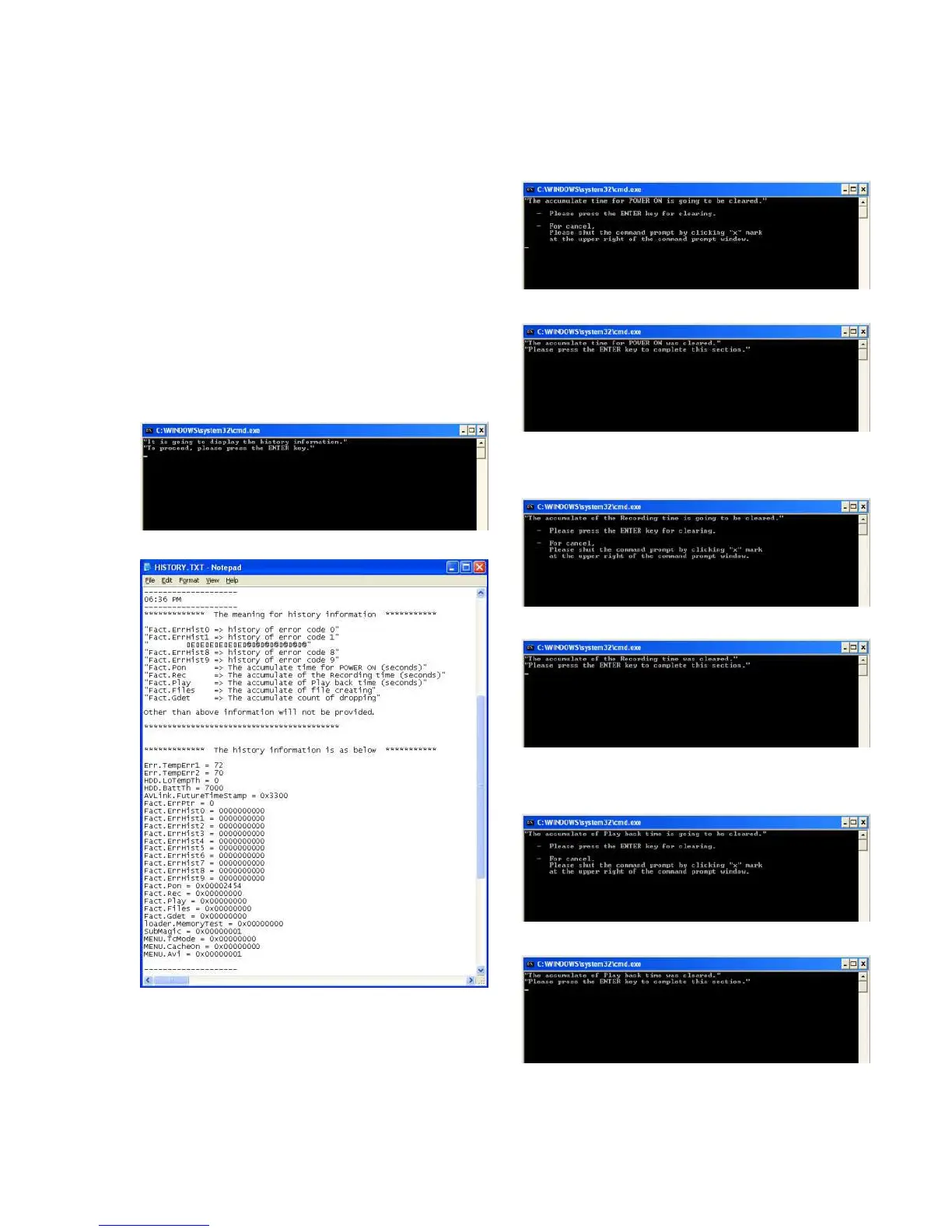
(3) Double-click “HISTORY_E.bat” copied to the PC.
The command prompt starts up.
The test command is automatically executed.
The message “Press any key to continue” appears on the com-
mand line and the prompt waits for command entry.
Fig. 6-13-1
Fig. 6-13-2







 To Next Page