30
GB
Playing Back a Message at a Desired
Time with an Alarm
You can sound an alarm and start playback of a selected message at a
desired time. You can have the message played back at a desired date,
once every week, or the same time everyday.
You can also sound the alarm without playing back a message.
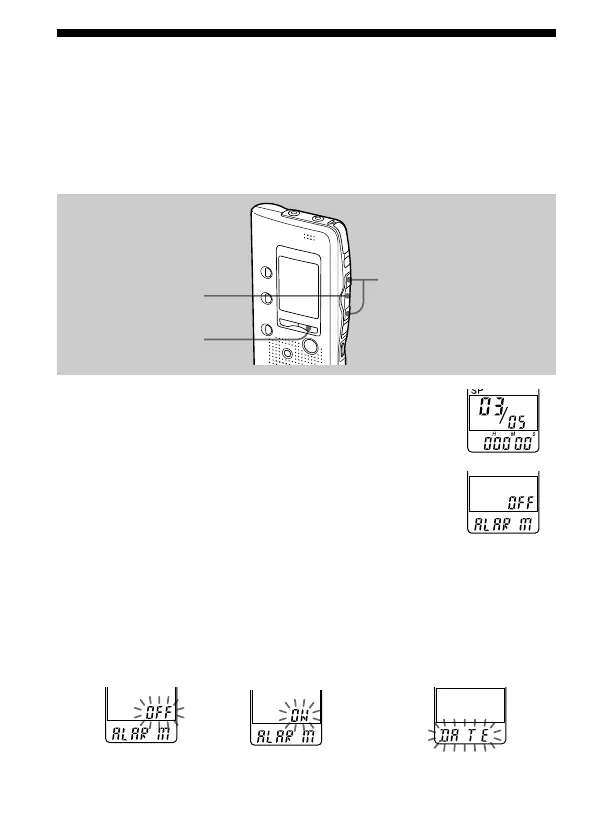
1 Select the message you wish to play
back.
(See Steps 1 and 2 on page 14.)
2 Press MENU.
“ALARM OFF” will be displayed.
(If “ALARM ON” is displayed, the alarm has been set. )
Note
The alarm cannot be set if the clock has not been set
or no message has been recorded in the selected
folder.
3 Set the alarm setting to ON.
1 Press Nx.
MENU
NxPLAY/STOP
./>
2 Press . or > to
flash “ON”.
3 Press Nx.



 To Next Page