ICD-P620 GB 3-295-268-11 (2)
13
GB
Basic Operations
Basic Operations
Recording Messages
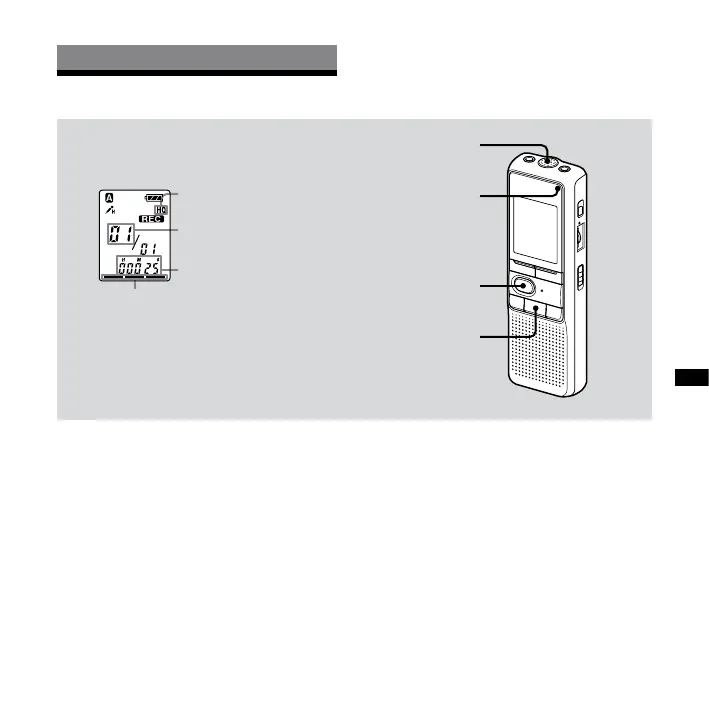
Display window
Recording mode
Current message
number
Counter display*
Remaining memory
indicator
* The display selected with the
DISPLAY/MENU button appears.
Built-in microphone
Operation indicator
(lights in red during
recording.)
REC
(stop)
You can record up to 99 messages in
each of the four folders (A, B, C, and D).
Since a newly recorded message
is automatically added behind the
last recorded message, you can start
recording quickly without searching for
the end of the last recording.
Note
Before making a long recording, be sure to
insert new batteries and check the battery
indicator.
1 Select the recording mode.
See “Changing the Recording Mode”
on page 36.
2 Select the folder.
See “Selecting the Folder” on page 17.



 To Next Page