ICD-P620 GB 3-295-268-11 (2)
20
GB
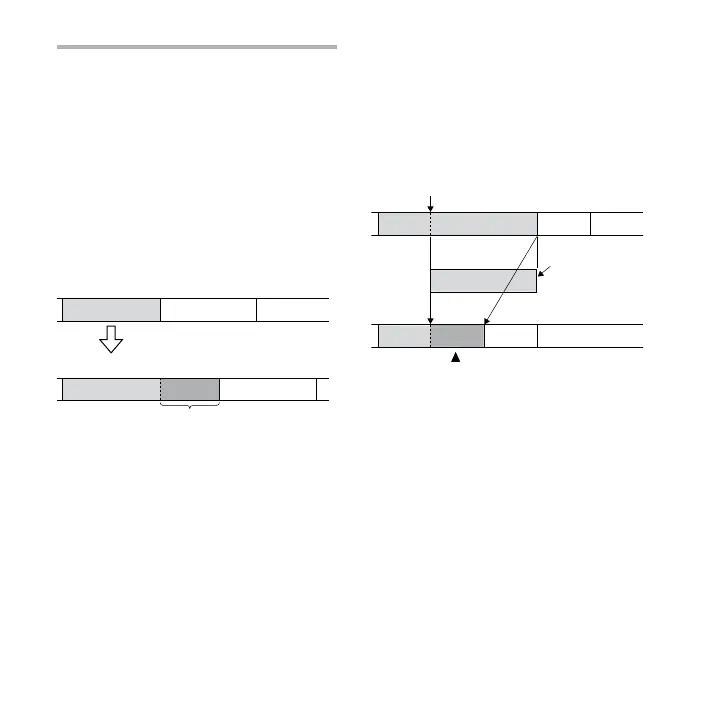
Adding a recording to
a previously recorded
message
You can add a recording to the message
being played back.
When “ADD” is selected in the menu
The added recording will be placed after
the current message and counted as a
part of the message.
During playback of Message 3
Message 3 Message 4
After adding a recording
Message 3 Message 4
Added recording
When “OVER” is selected in the menu
You can add an overwrite recording
after the selected point in a recorded
message. The part of the message after
the selected point is deleted.
The starting point of
an overwrite recording
Message 2 Message 3 Message 4
The deleted part
of Message 2
Message 2 Message 3 Message 4
Added overwrite recording in Message 2
1 During playback, press and hold
REC.
The “REC” indication appears.
“ADD” or “OVER” will ash and the unit
stops in the recording pause mode.



 To Next Page