ICD-P620 GB 3-295-268-11 (2)
17
GB
Basic Operations
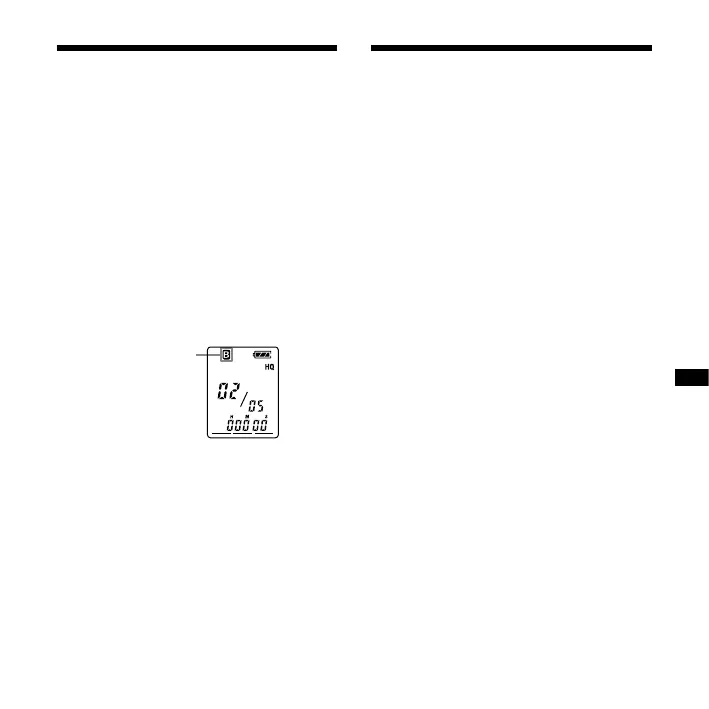
Selecting the Folder
1 Press DISPLAY/MENU for more than
1 second until “MODE” appears in
the display window.
2 Press – or + to select
“FOLDER” and press PLAY/
ENTER.
3 Press – or + to select
the folder you want and press
PLAY/ENTER.
Current folder
4 Press (stop) to exit the menu
mode.
Starting Recording
Automatically in
Response to the
Sound — Advanced
VOR Function
When VOR (voice operated recording) is
set to “ON” in the menu, recording starts
when the recorder detects sound. (“VOR”
is displayed in the display window.)
Recording stops when no sound is
heard. (“VOR PAUSE” ashes in the display
window.)
Note
VOR function is affected by the sound around
you. Set the microphone sensitivity to “H
(high)” or “L (low)” using the menu. If recording
is not satisfactory after you have changed
the microphone sensitivity, or for important
recording, set VOR to “OFF.”



 To Next Page