ICD-P620 GB 3-295-268-11 (2)
7
GB
Preventing Accidental Operation
— HOLD function
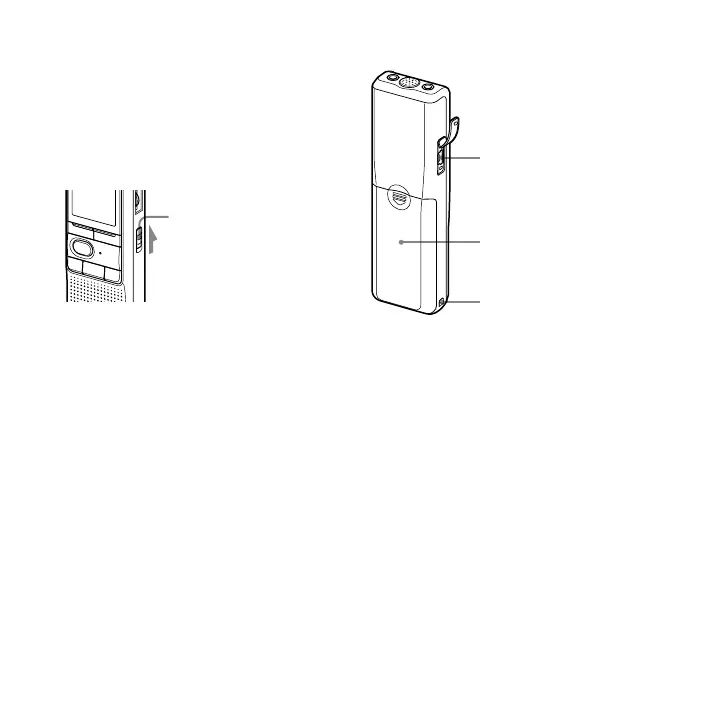
Slide the HOLD switch to ON. “HOLD” will flash
three times, indicating that all the functions of
the buttons are locked.
When the HOLD function is activated during
stop, all the display will be turned off after
“HOLD” flashes.
HOLD
To cancel the HOLD function
Slide the HOLD switch to OFF.
Note
When the HOLD function is activated during
recording, cancel the HOLD function first to
stop recording.
Tip
Even if the HOLD function is activated, you can
stop the alarm playback. To stop the alarm or
playback, press (stop).
Rear
USB connector
Battery compartment
Hook for handstrap
(not supplied)



 To Next Page