EasyManua.ls Logo

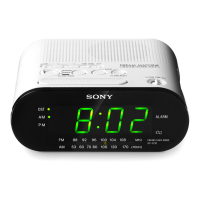
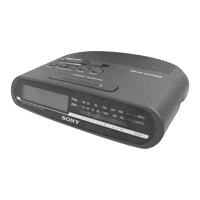
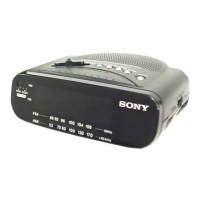
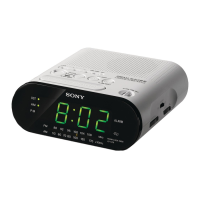
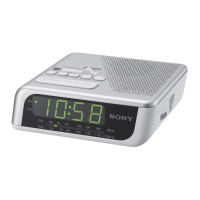
Sony ICF-C2W - Section 1 General Operations; Parts Identification; Setting the Current Time; Radio Operation

Sony ICF-C2W
8 pages
Print Icon
To Next Page IconTo Next Page
To Previous Page IconTo Previous Page
Loading...
ICF-C2W/C25W
SECTION
1
GENERAL
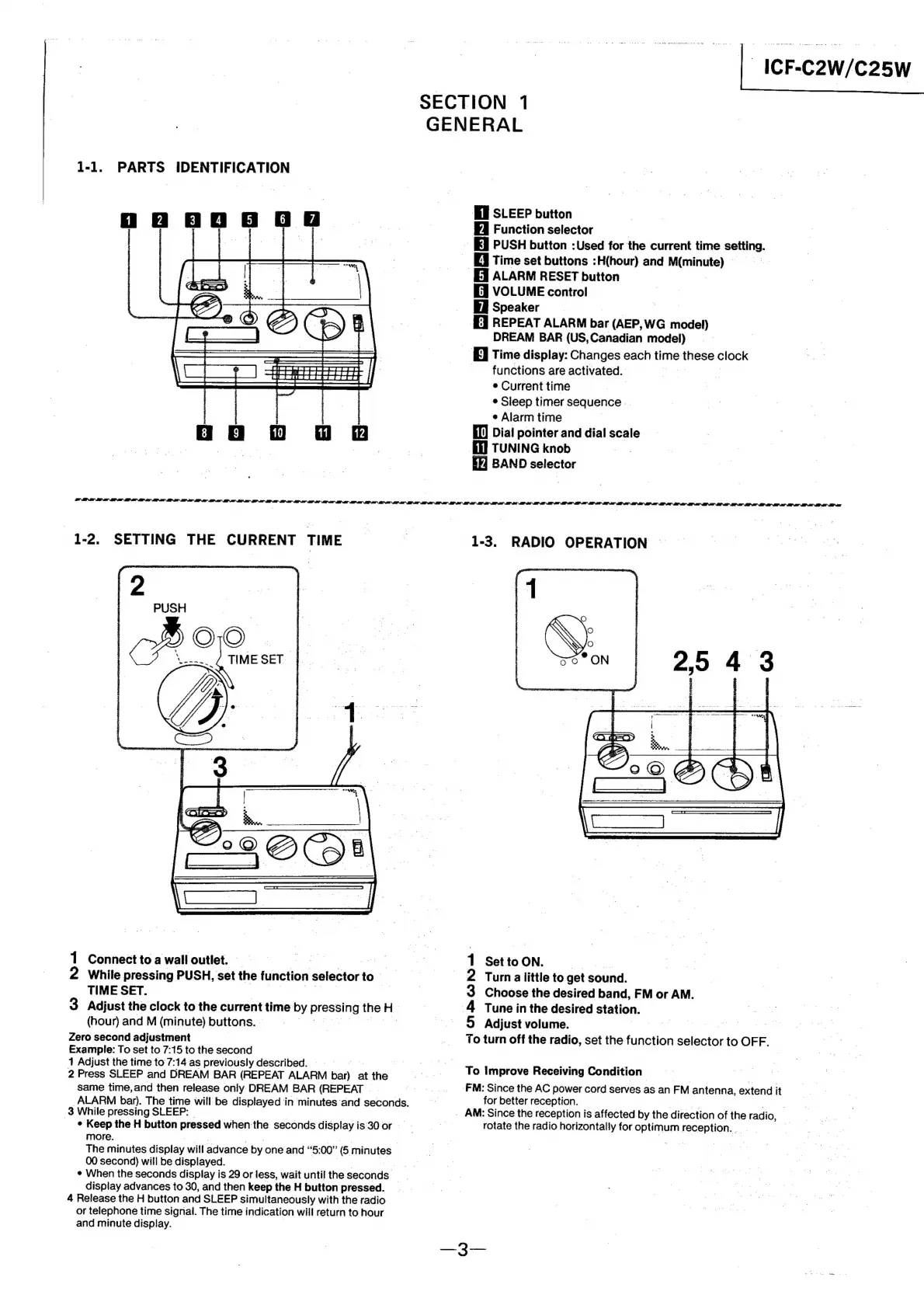
1-1.
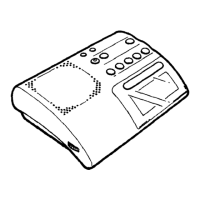
PARTS
IDENTIFICATION
El
SLEEP
button
FA
Function
selector
|
IE
PUSH
button
:Used
for
the
current
time
setting.
Ei
Time
set
buttons
:H(hour)
and
M(minute)
I
ALARM
RESET
button
[i
VOLUME
control
Ei
Speaker
|
a
{E]
REPEAT
ALARM
bar
(AEP,
WG
model)
DREAM
BAR
(US,
Canadian
model)
|
By
Time
display:
Changes
each
time
these
clock
-
functions
are
activated.
|
¢
Current
time
|
*
Sleep
timer
sequence
e
Alarm
time
El)
Dial
pointer
and
dial
scale
(J
TUNING
knob
EF]
BAND
selector
1-2.
SETTING
THE
CURRENT
TIME
=|
1-3.
RADIO
OPERATION
|
1
Connecttoawallioutlet,
=
a
2
1
SettoON.
ss
2
While
pressing
PUSH,
set
the
function
selector
to
2
Turn
alittle
to
get
sound.
TIME
SET.
Oo
3
Choose
the
desired
band,
FM
or
AM.
3
Adjust
the
clock
to
the
current
time:
by
Pies=!ng
the
H
|
4
Tune
in
the
desired
Station.
(hour)
and
M
(minute)
buttons.
|
~~.
©
Adjust
volume.
Zero
second
adjustment
_
To
turn
off
the
radio,
set
the
function
adiegtae
to
OFF.
Example:
To
set
to
7:15
to
the
second
1
Adjust
the
time
to
7:14
as
previously
described.
Pe
mies
og
2
Press
SLEEP
and
DREAM
BAR
(REPEAT
ALARM
bar)
atthe
.-~=—Ss*«~T')
Improve
Receiving
Condition
=
——
same
time,
and
then
release
only
DREAM
BAR
(REPEAT
|
o.
FM:
Since
the
AC
power
cord
serves
as
an
FM
antenna,
extend
it
ALARM
bar).
The
time
will
be
displayed
in
minutes‘and
seconds.
for
better
reception.
3
While
pressing
SLEEP:
_
AM:
Since
the
reception
is
affected
by
the
direction
of
the
radio,
¢
Keep
the
H
button
pressed
when
the
seconds
display
is
30
or
:
rotate
the
radio
horizontally
for
optimum
Sees
more.
a
an
_—
The
minutes
display
will
advance
by
one
and
“5:
00”
6
minutes
00
second)
will
be
displayed.
¢
When
the
seconds
display
is
29
or
less,
wait
until
the
seconds
display
advances
to
30,
and
then
keep
the
H
button
pressed.
4
Release
the
H
button
and
SLEEP
simultaneously
with
the
radio
or
telephone
time
signal.
The
time
indication
will
return
to
hour
and
minute
display.

Related product manuals