Sett
ing
the C
loc
k
seune
clock when the radio is turned off.
1. When you insert the batter ies lor the first
time, digits flash in the display window.
To stop flashing , press C
LOCK/
ENTER .
2. While holding down CL OCK/ENTE R.
press the TUNEfTIME + or - button 10
set the clock to the current time. Each
time you press the button, the digits
move forward or back
by one. When you
keep the button pressed , the digits
change rapidly.
3. When you release CLOCK/E NTER, the
clock starts operating, and ":" starts
flashing.
• The clock opera tes in 24-hour system.
"O :OO
~
= midnight
812:00· =noon
Changing the MW
Channel Step
The MW channel step differs depending on areas.
The channel step of this unit is factory-set to 10
kHz or la 9 kHz to match the frequency allocation
system of the country as listed. You can change
the channel step.
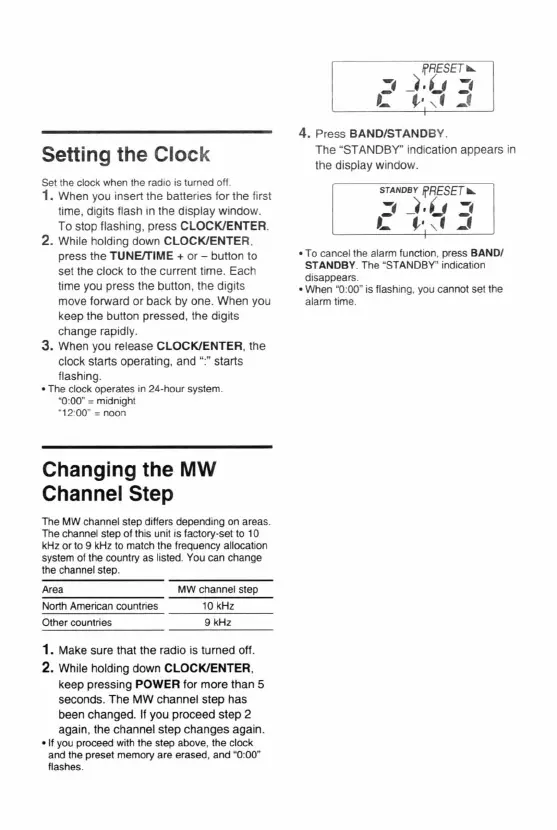
4. Press BA ND/STANDBY.
The "STANDBY" indication appears in
the disp lay window.
STAND BY
Ij'RESET
....
=-_t·U =-
L f,. , f _f
• To cancertne alarm function, press BANDI
5T
ANDB
Y. The "STANDBY" indicat ion
disappears.
• When
M
O
:
OO
~
is flash ing, you cannot set the
alarm time.
Area
North American countries
Other countries
MW channel step
10 kHz
9 kHz
1. Make sure that the radio is turned oH.
2. While holding down
CLOCK/ENTER
,
keep pressing POWER for more than 5
seconds. The MW channel step has
been changed. If you proceed step 2
again, the channel step changes again.
- If you proceed with the step above , the clock
and the preset memory are erased. and "0:00"
flashes.













 To Next Page