Notes on USB terminals
You can use either the USB Type-C terminal or the Multi/Micro USB Terminal for USB communications. However, you
cannot conduct USB communications with both terminals simultaneously. Use the USB Type-C terminal to supply power
and charge the battery pack. This camera cannot be powered via the Multi/Micro USB terminal.
You can use accessories for the Multi/Micro USB Terminal, such as a remote commander (sold separately), while
supplying power or performing PC Remote shooting using the USB Type-C terminal.
Notes on the terminal cover
Ensure that the terminal cover is closed before use.
Notes on the cable protector
Use the cable protector to prevent a cable from being disconnected when shooting images with the cable connected.
To attach the cable protector
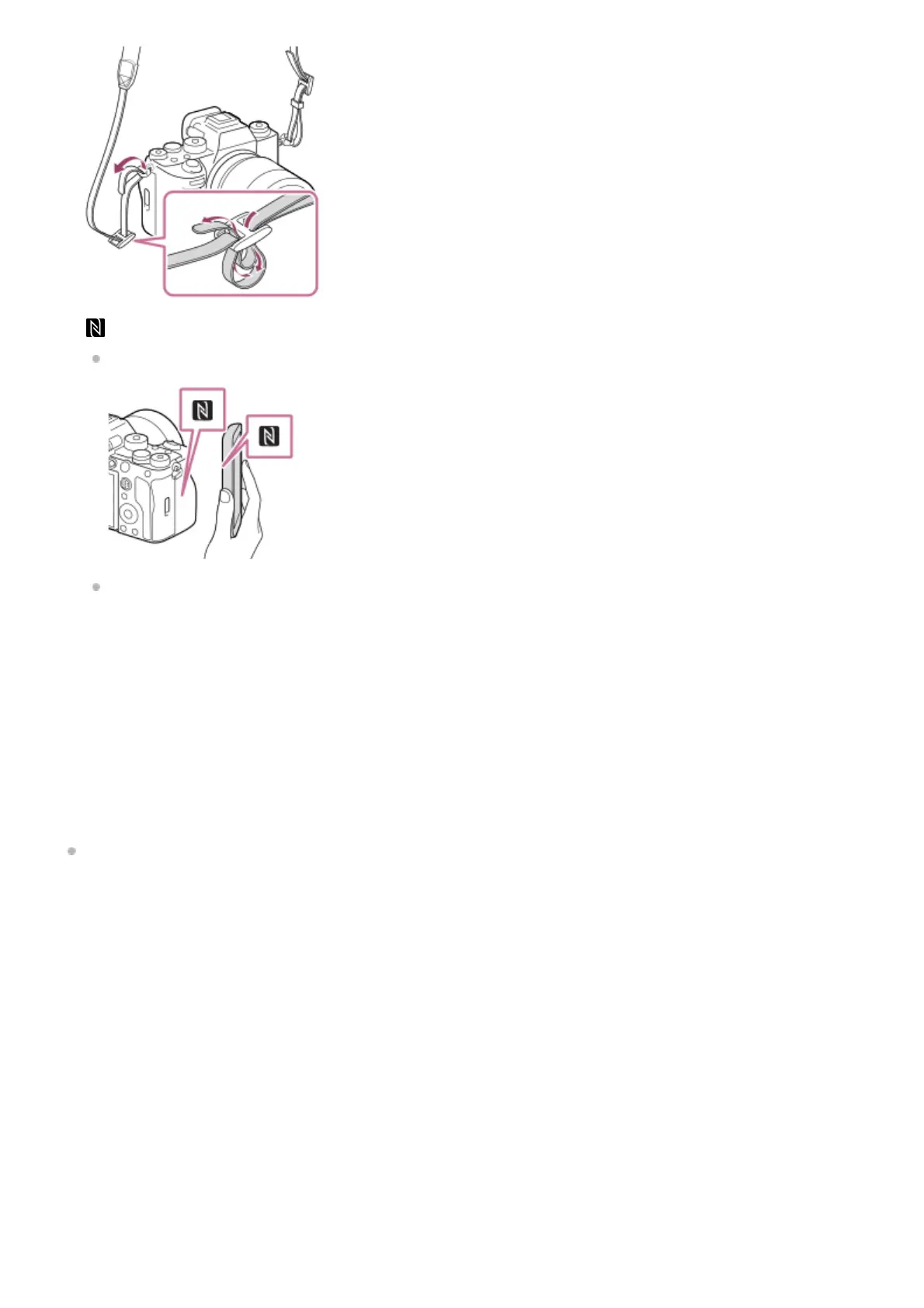
(N-Mark)
This mark indicates the touch point for connecting the camera and an NFC-enabled Smartphone.
NFC (Near Field Communication) is an international standard of short-range wireless communication technology.
11.
SLOT 1 (Memory card slot 1)12.
SLOT 2 (Memory card slot 2)13.
For details on compatible accessories for the Multi/Micro USB Terminal, visit the Sony website, or consult your Sony dealer or local authorized
Sony service facility.
*
Open the headphone terminal cover, HDMI terminal cover, and Multi/Micro USB terminal cover.1.



 To Next Page