Help Guide
Interchangeable Lens Digital Camera
ILCE-1 α1
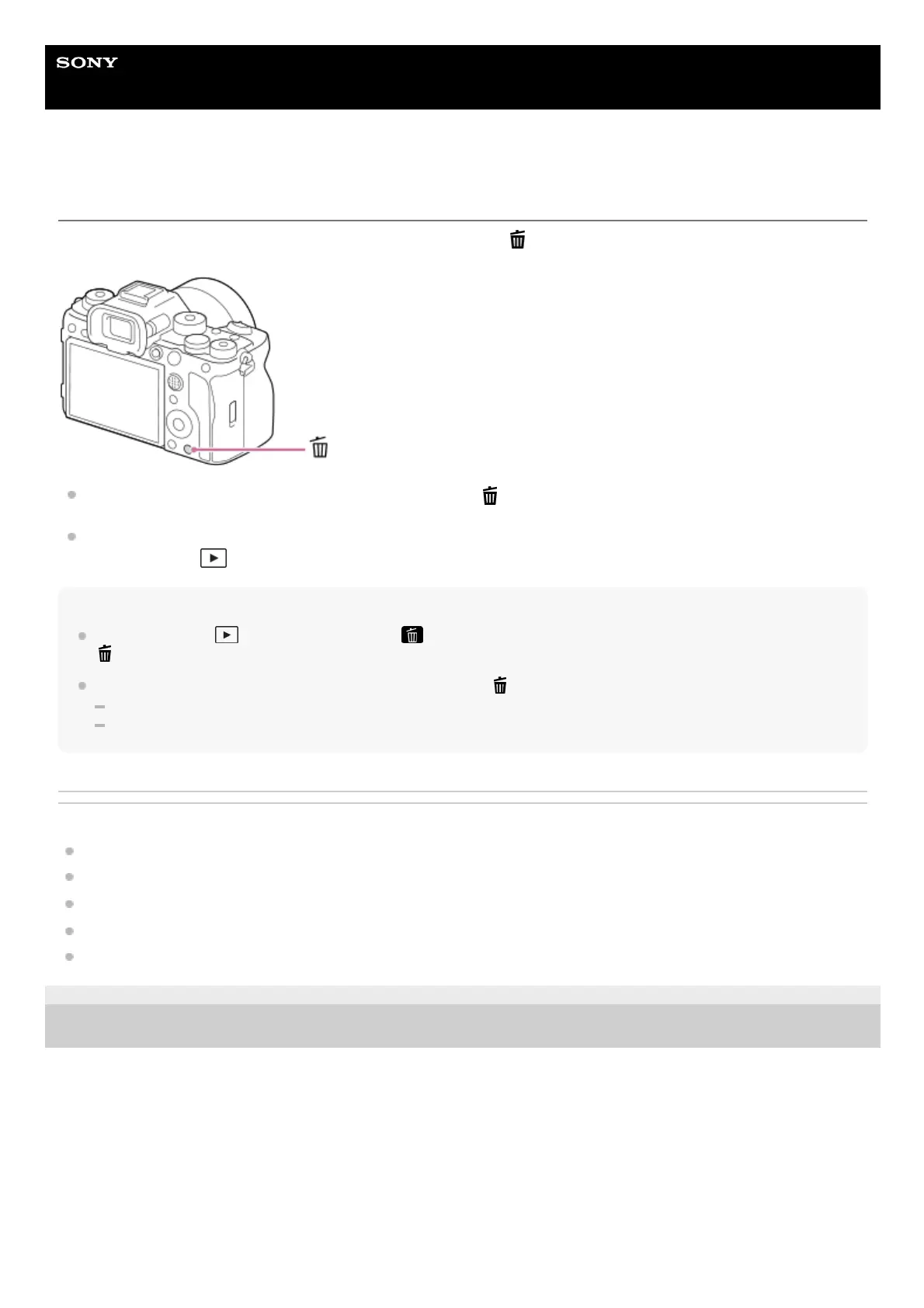
Using the Delete button
You can delete an image currently being displayed by pressing the
(Delete) button.
When a confirmation message appears after you press the (Delete) button, use the control wheel to select
[Delete] and press the center.
You can also delete two or more images at once.
Select MENU → (Playback) → [Delete] → [Delete]. Then, select the images you want to delete.
Hint
If you set MENU →
(Playback) → [Delete] → [ Delete pressing twice] to [On], you can delete images by pressing the
(Delete) button twice in a row.
Other than the single-image playback screen, you can also use the
(Delete) button for the following operations.
Custom Key
In-Camera Guide
Related Topic
Deleting multiple selected images (Delete)
Delete confirm.
Delete pressing twice
Using the C (custom) buttons
In-Camera Guide
5-025-537-14(1)
Copyright 2021 Sony Corporation



 To Next Page