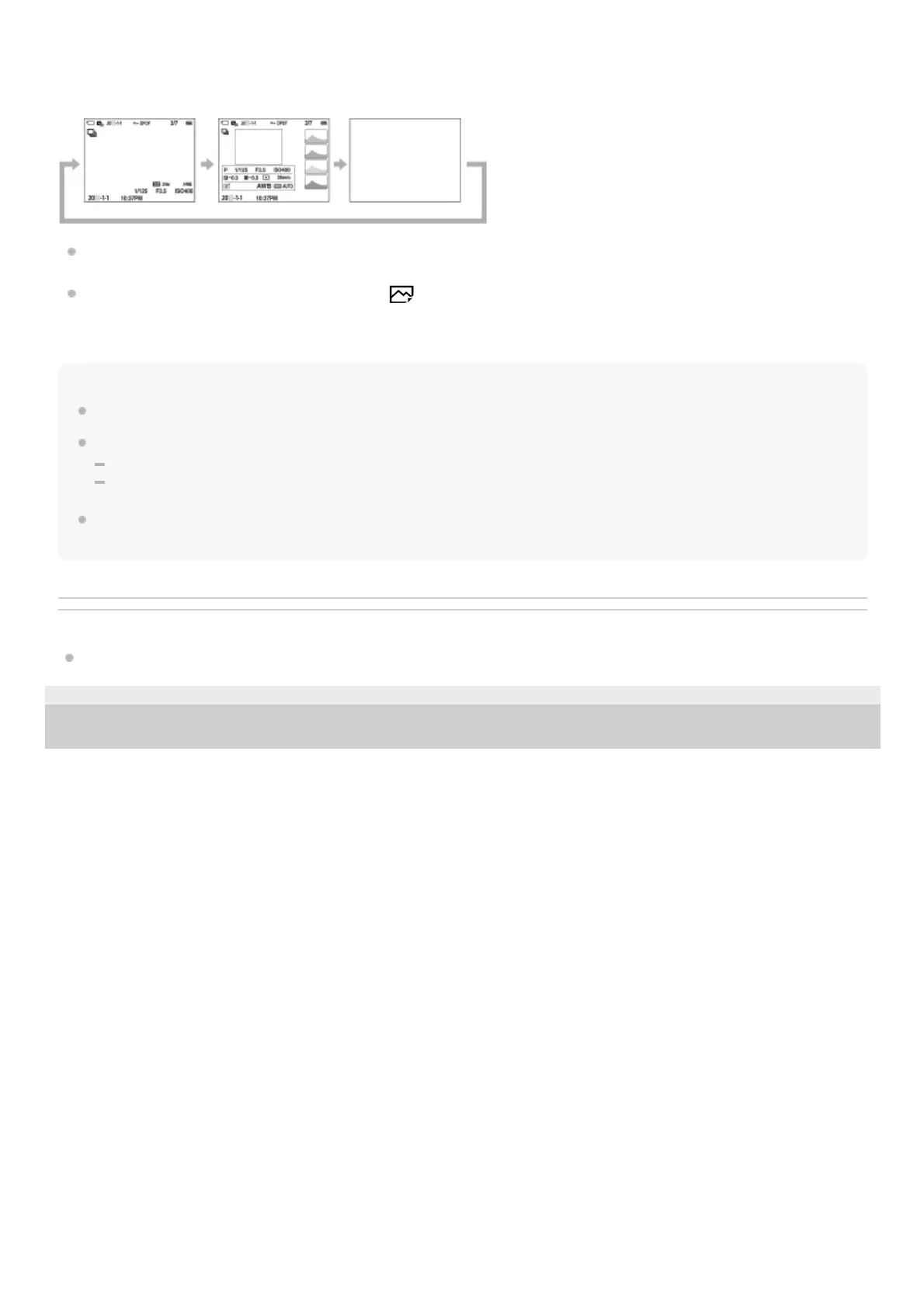
During playback (Monitor/Viewfinder)
Display Info. → Histogram → No Disp. Info. → Display Info.
If the image has an overexposed or underexposed area, the corresponding section will blink on the histogram display
(overexposed/underexposed warning).
The settings for playback are also applied in [
Auto Review].
Note
The displayed contents and their position shown in the illustration are just a guideline, and may differ from the actual display.
The following are not displayed in the default settings.
Monitor Off
Display All Info. (when using the viewfinder)
In the movie recording modes, [For viewfinder] cannot be displayed. If the monitor display is set to [For viewfinder], the display
will switch to all information when movie shooting starts.
Related Topic
DISP (Screen Disp) Set (Monitor/Finder)
5-025-537-14(1)
Copyright 2021 Sony Corporation



 To Next Page