Help Guide
Interchangeable Lens Digital Camera
ILCE-1 α1
USB Power Supply
Sets whether to supply power via the USB cable when the product is connected to a computer or an USB device.
Menu item details
On:
Power is supplied to the product via a USB cable when the product is connected to a computer, etc.
Off:
Power is not supplied to the product via a USB cable when the product is connected to a computer, etc.
Operations available while supplying power via a USB cable
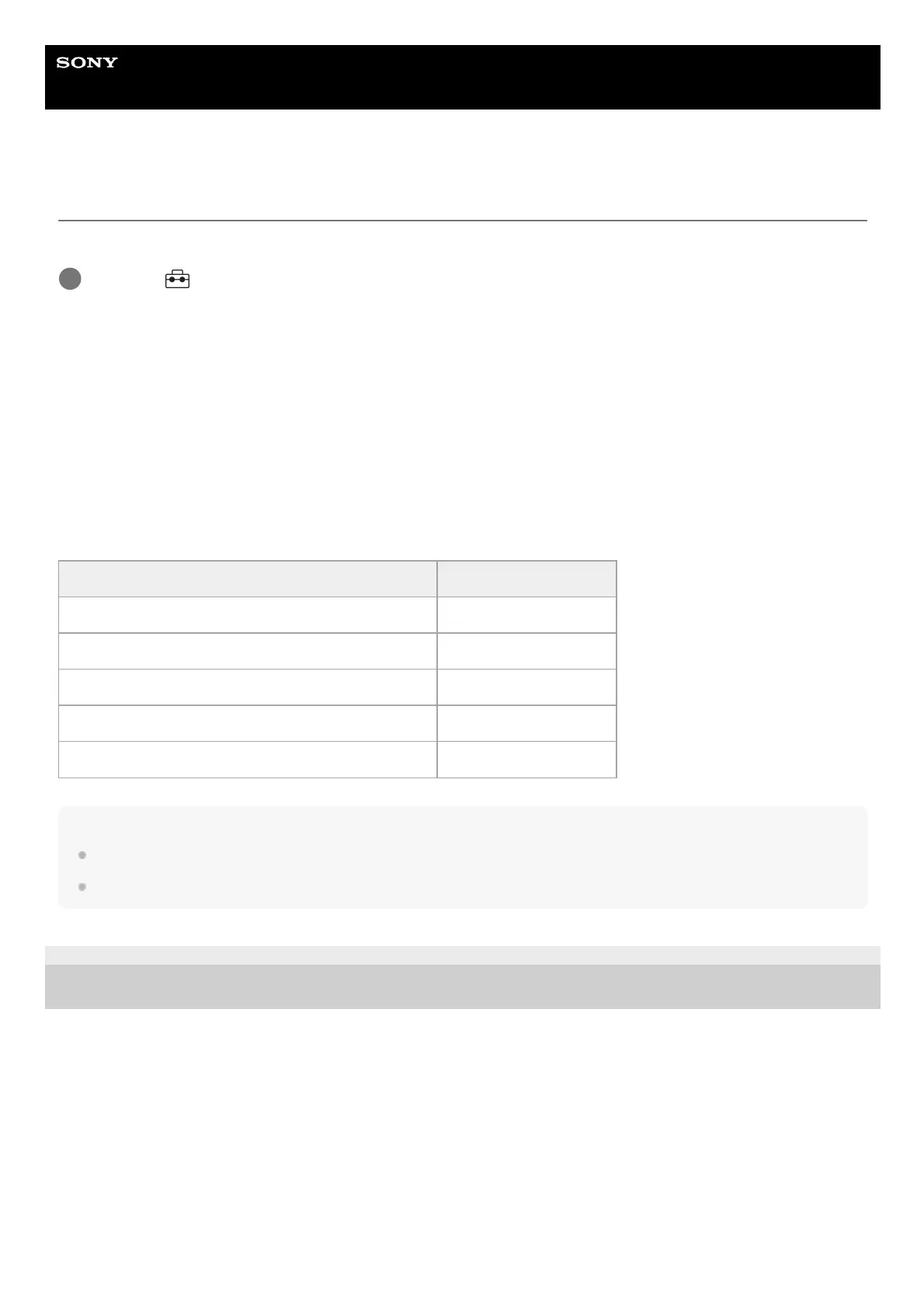
The following table shows you which operations are available/unavailable while supplying power via a USB cable.
Note
Insert the battery pack into the product to supply power via USB cable.
This product cannot be powered via the Multi/Micro USB terminal. Use the USB Type-C terminal.
5-025-537-14(1)
Copyright 2021 Sony Corporation
MENU →
(Setup) → [USB] → [USB Power Supply] → desired setting.
1
Operation Available / Unavailable
Shooting images Available
Playing back images Available
Wi-Fi/NFC/Bluetooth connections Available
Charging a battery pack Unavailable
Turning the camera on without a battery pack inserted Unavailable



 To Next Page