Related Topic
List of icons on the monitor
5-025-537-14(1)
Copyright 2021 Sony Corporation
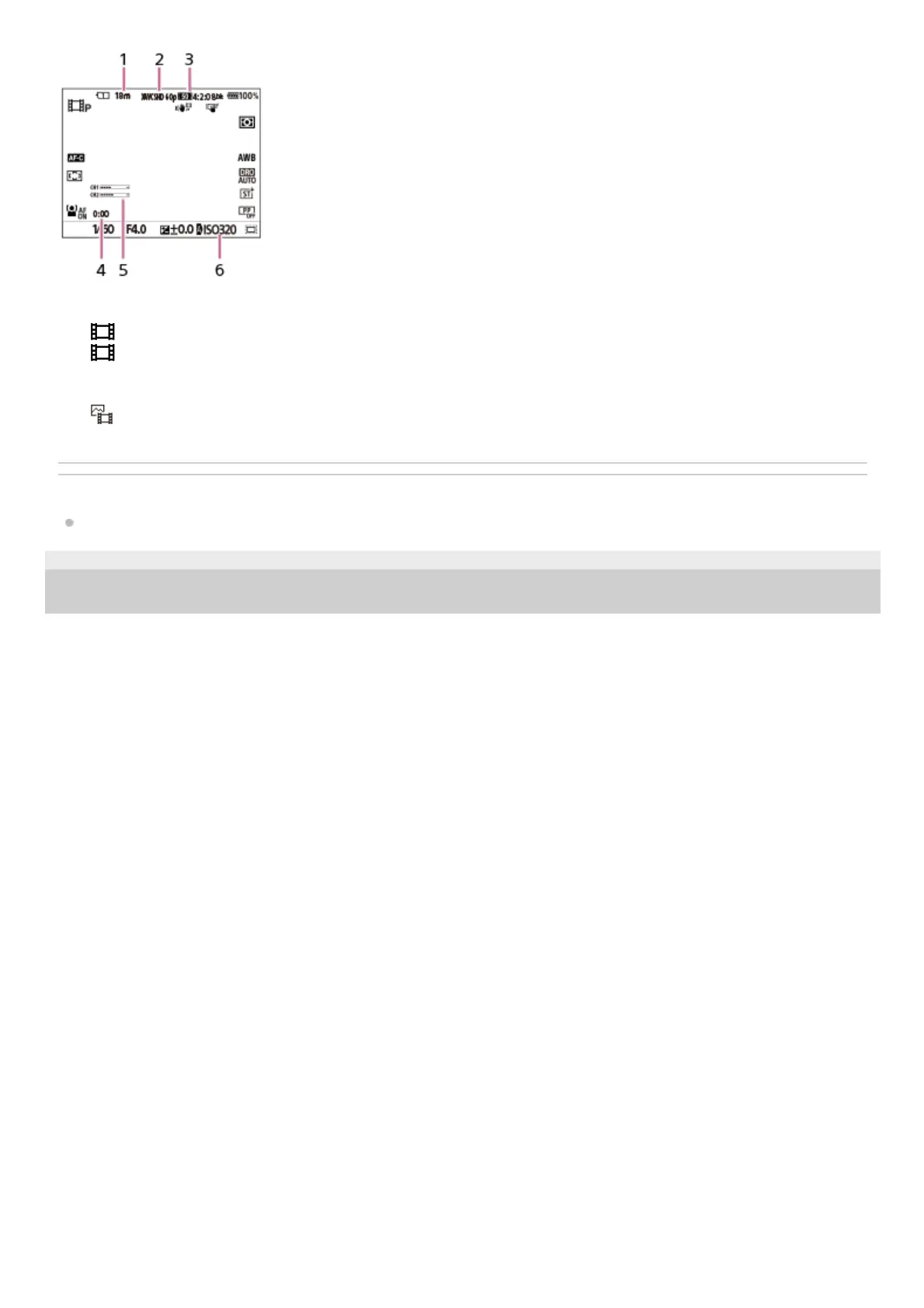
Recordable movie time for the currently displayed slot1.
[
File Format] is set to [XAVC S HD].2.
[
Movie Settings] is set to [60p 50M 4:2:0 8bit].3.
Actual movie recording time4.
[Audio Level Display] is set to [On].5.
[
ISO] is set to [ISO AUTO]. (The ISO value automatically set by the camera is displayed.)6.



 To Next Page