GB
23
Preparing the camera
Turning on the camera and setting the clock
When you turn on the camera for the first time, the screen to set date and time
appears.
1
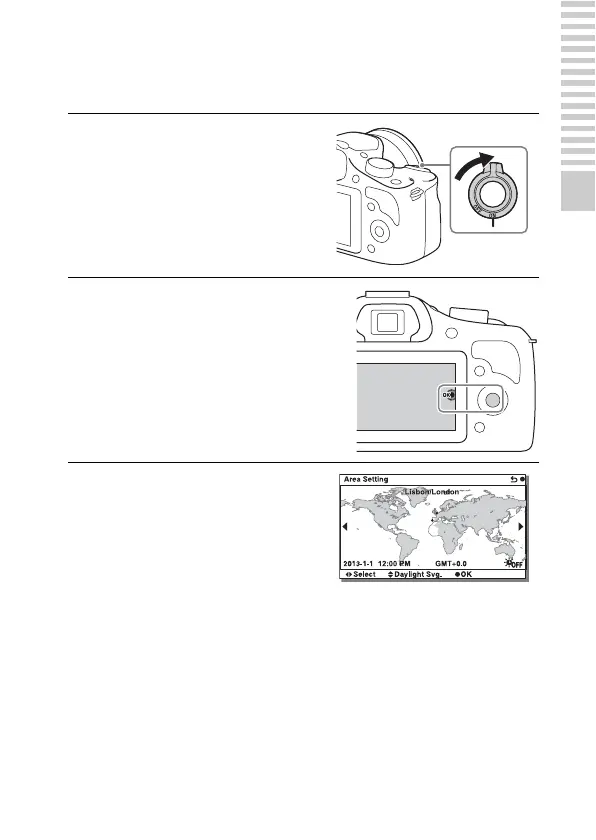
Set the power switch to ON to
turn on the camera.
The screen to set date and time
appears.
• To turn off the camera, set the
power switch to OFF.
2
Press the center of the control
wheel.
3
Select your area by pressing
the left or right of the control
wheel and press the center.



 To Next Page