GB
28
Mastering the basic operation
Playing back images
x
Selecting the image
Turn the control wheel and select the image.
When playing back images as an image index, a single-image screen can be
displayed by turning the control wheel to select an image and pressing the
center of the control wheel.
x
Playing back movies
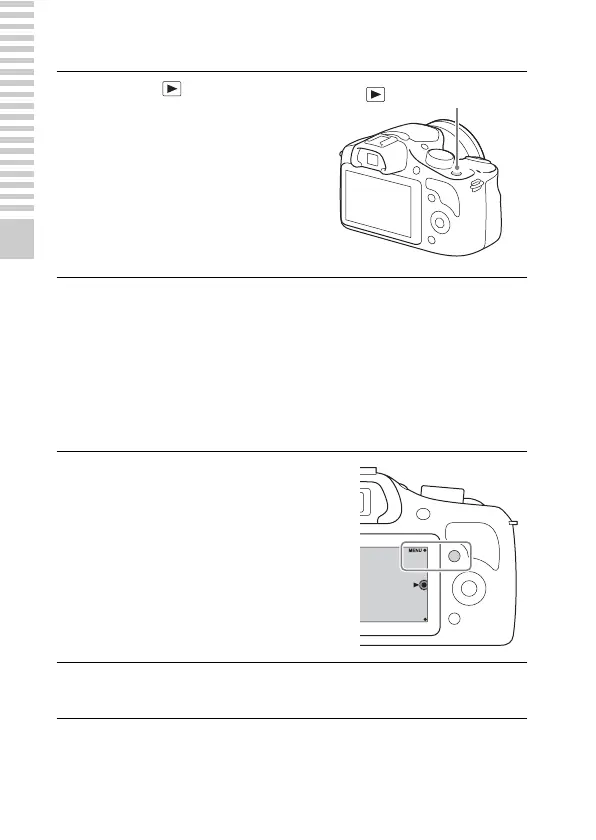
1
Press the (Playback)
button.
The last recorded image is displayed
on the LCD screen.
• Press the center of the control wheel
to enlarge the displayed image.
1
Select MENU t [Playback]
t [Still/Movie Select] t
[Folder View(MP4)] or
[AVCHD View].
• To return to still image playback,
select [Folder View(Still)].
2
Turn the control wheel to select the desired movie, and
press the center.
(Playback) button



 To Next Page