GB
60
Viewing images on a computer
What you can do with software
To utilize images recorded with the camera, use the following software:
• “PlayMemories Home” (Windows only)
You can import still images or movies recorded with the camera to your
computer so that you can view them, and use various convenient features to
enhance the images you have shot. “PlayMemories Home” is required when
importing AVCHD movies to your computer.
• “Image Data Converter”
You can retouch RAW format images and convert them into JPEG/TIFF
format.
x
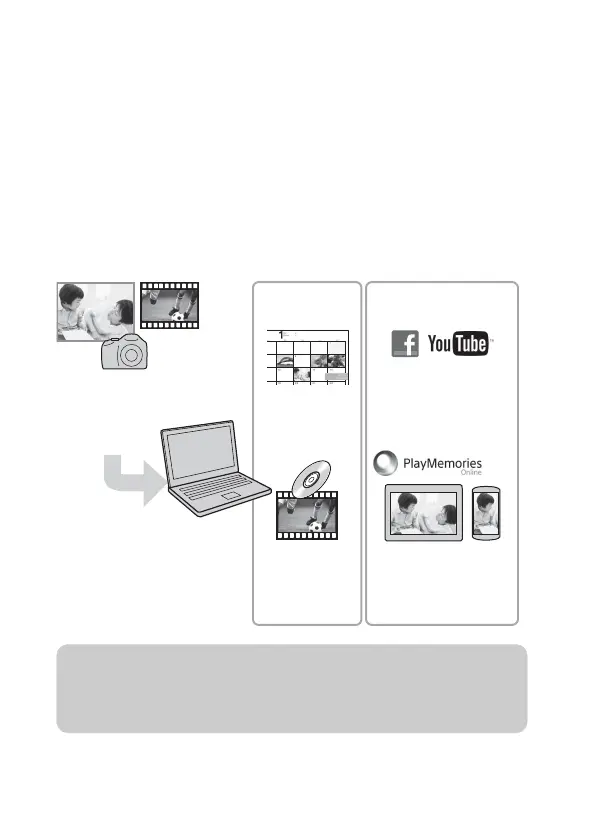
What you can do with “PlayMemories Home”
Importing images from
your camera
Uploading images to
network service
Sharing images on
“PlayMemories Online”
Creating a
movie disc
Viewing images
on Calendar
Organizing Sharing images
z Installing “PlayMemories Home” (for Windows only)
You can install “PlayMemories Home” from the following URL (page 62):
www.sony.net/pm



 To Next Page