GB
36
• [Photo Creativity] is only available when an E-mount lens is mounted.
• [Photo Creativity] is only available when [Intelligent Auto] or [Superior Auto] is
selected.
x
Defocusing the background easily
(Background Defocus Control)
• The defocusing effect may not be noticeable, depending on the lens or the distance
between the subject and the background.
Notes
1
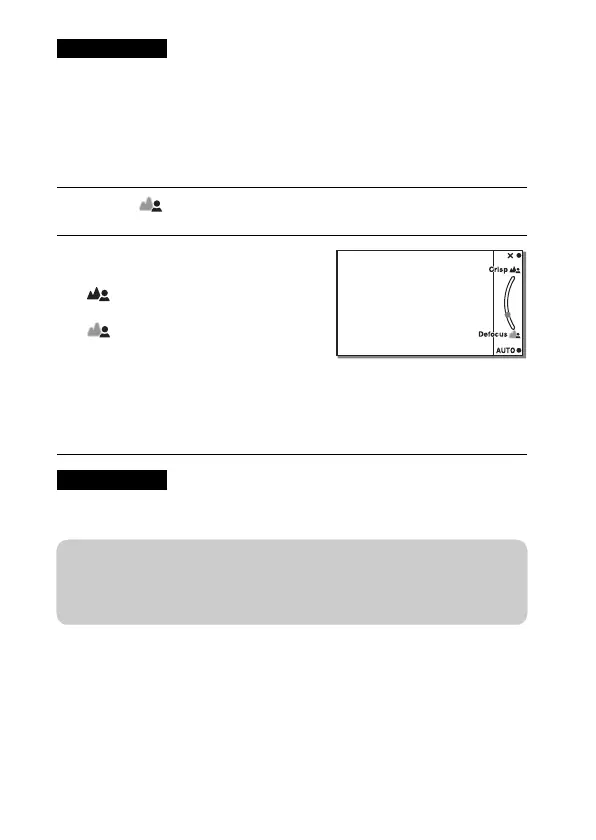
Select (Bkground Defocus) (page 35).
2
Defocus the background by
turning the control wheel.
: You can focus on both the
subject and the background.
: You can defocus the
background.
• Select AUTO to restore the original
status.
• You can record a movie with a
value adjusted with the defocusing
effect.
Notes
z Tips for a better result of Background Defocus
• Move closer to the subject.
• Lengthen the distance between the subject and the background.



 To Next Page