GB
56
Main Settings
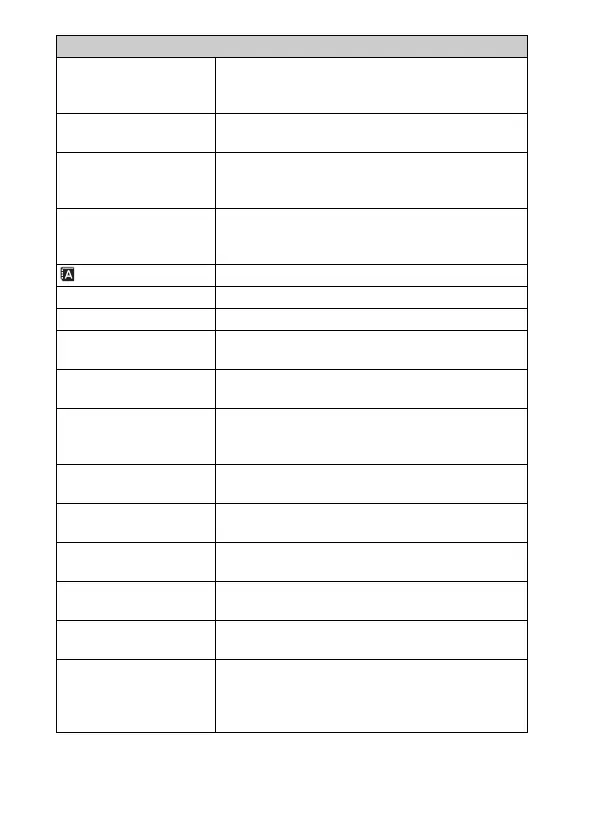
Menu start Selects a first-displayed menu from the top menu or
the last menu screen.
(Top/Previous)
MOVIE Button Sets whether or not to activate the MOVIE button.
(On/Off)
Custom Key Settings Assigns functions to the soft keys or the right side of
the control wheel.
(Soft key B Setting/Right Key Setting/Custom)
Beep Selects the sound produced when you operate the
camera.
(On/Off)
Language Selects the language used on the screen.
Date/Time Setup Sets the date and time.
Area Setting Selects the area where you are using the camera.
Help Guide Display Turns the Help Guide on or off.
(On/Off)
Power Save Sets the level of the power saving feature.
(Max/Standard)
Power Saving Start
Time
Sets the time to turn the camera to the power save
mode.
(30 Min/5 Min/1 Min/20 Sec/10 Sec)
LCD Brightness Sets the brightness of the LCD screen.
(Manual/Sunny Weather)
Viewfinder Bright. Sets the brightness of an Electronic Viewfinder.
(Auto/Manual)
Display Color Selects the color of the LCD screen.
(Black/White/Blue/Pink)
Wide Image Selects a method to display wide images.
(Full Screen/Normal)
Playback Display Selects the method used to play back portrait images.
(Auto Rotate/Manual Rotate)
USB Connection Selects the appropriate USB connection method for
each computer or USB device connected to the
camera.
(Auto/Mass Storage/MTP)



 To Next Page