GB
28
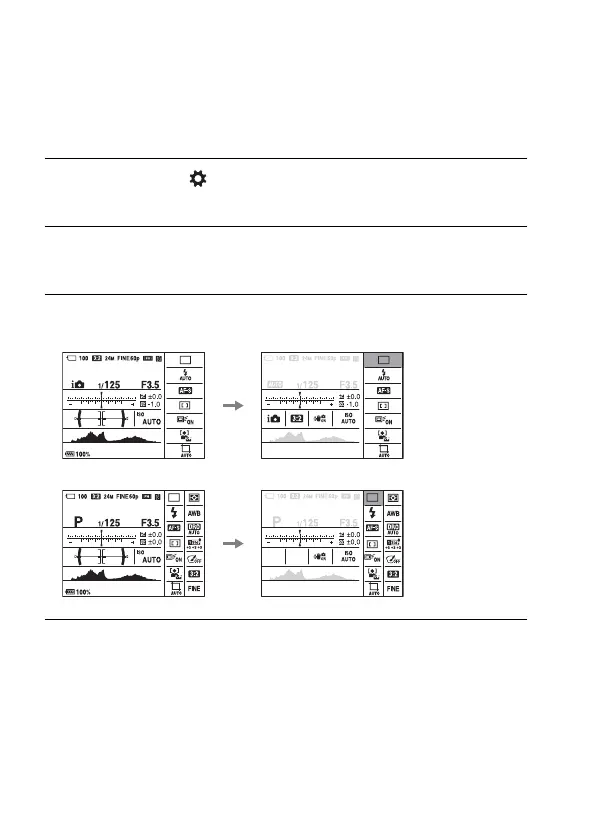
How to use the Quick Navi screen
Using the Quick Navi screen, you can change settings directly on the
recording information display when the screen mode is set to [For
viewfinder] (Quick Navi).
1 MENU button t (Custom Settings) 2 t [DISP Button] t
[Monitor] t [For viewfinder] t [Enter]
2 Press the DISP on the control wheel to set the screen mode to
[For viewfinder].
3 Press the Fn button to switch to the Quick Navi screen.
In Auto Mode or Scene Selection mode
In P/A/S/M/Sweep Panorama mode
4 Select the desired item with v/V/b/B on the control wheel.



 To Next Page