GB
58
Shooting a clear movie without camera
shake
“Camera shake” refers to unwanted movement of the camera that occurs
after the shutter button has been pressed, resulting in a blurred image.
To reduce camera shake follow the instructions below.
Notes
• The camera shake warning indicator does not appear in the following situations:
– The exposure mode is set to M/S, or during movie recording.
– When the viewing mode is set to [No Disp. Info.], [Level], or [Histogram].
When a lens equipped with the camera shake compensation function is
used, the SteadyShot function is available for this camera to reduce camera
shake.
MENU button t (Camera Settings) 6 t [SteadyShot] t
Select the desired setting
Notes
• The SteadyShot function may not work optimally when the power has just been
turned on, right after you point the camera towards a subject, or when the shutter
button has been pressed all the way down without stopping halfway.
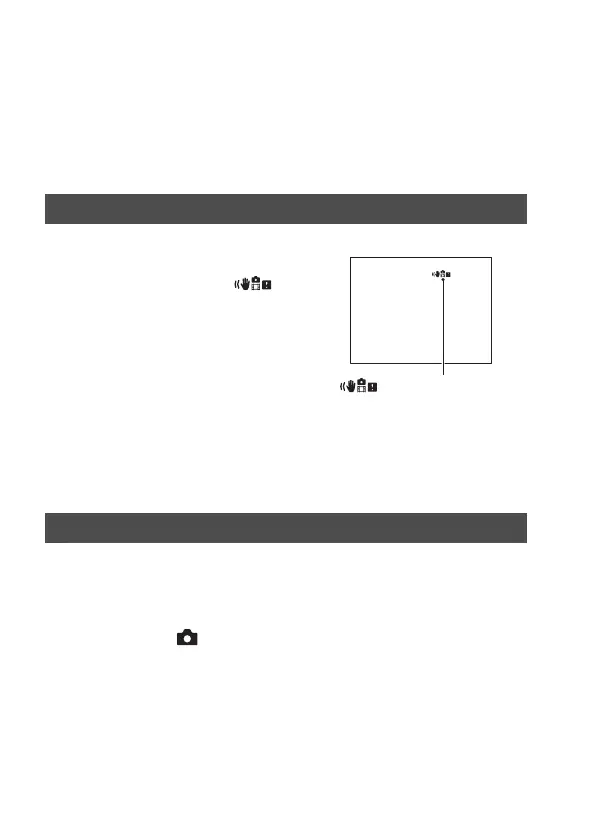
Camera shake warning indicator
In situations where the camera may be
subject to camera-shake, the
(Camera shake warning) indicator
flashes. In this case, use a tripod or the
flash.
(Camera shake warning)
indicator
Using the SteadyShot function



 To Next Page