Using Wi-Fi functions
GB
73
Using Wi-Fi functions
Using the Wi-Fi and NFC one-touch
functions
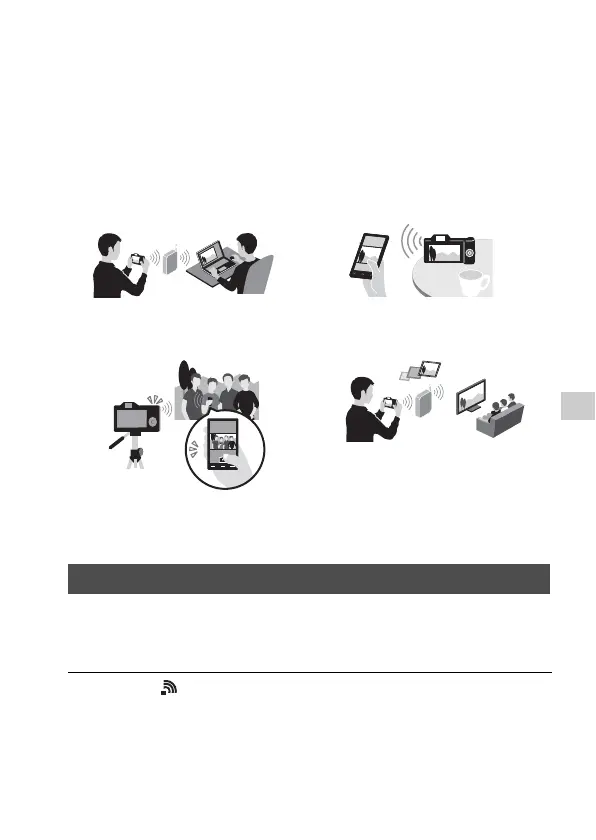
You can perform the following operations using the camera’s Wi-Fi and
NFC One-touch functions.
For details on the Wi-Fi and NFC One-touch functions, refer to the attached
document “Wi-Fi Connection/One-touch (NFC) Guide” or to the Help
Guide (page 82).
Connect the camera to your wireless access point. Before starting the
procedure, make sure you have the SSID (name of the access point) and
password of your wireless access point with you.
Saving images to a computer.
Transferring images from the
camera to a smartphone.
Using the smartphone as a remote
control for the camera.
Viewing still images on a TV.
Connecting the camera to a wireless access point
1 MENU t (Wireless) 2 t [Access Point Set.].



 To Next Page