Shooting still images
GB
62
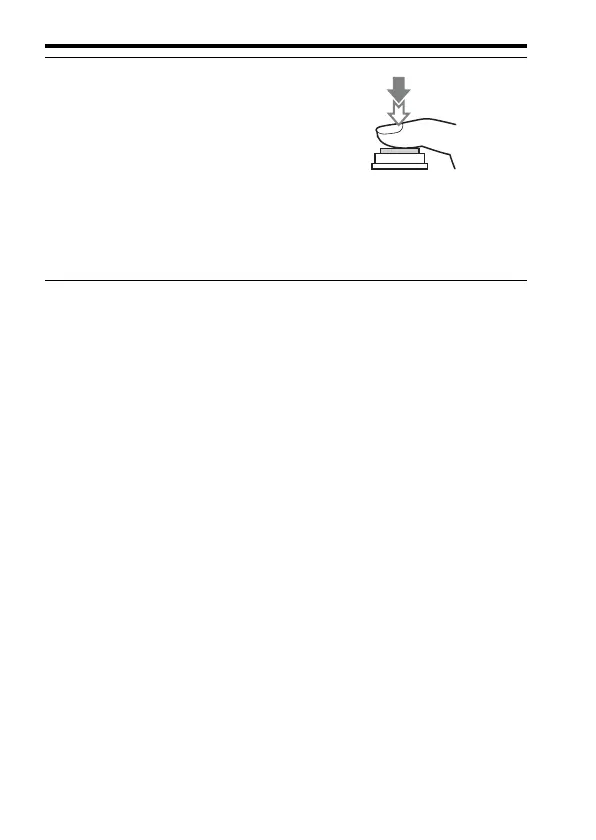
6 Press the shutter button fully
down to shoot an image.
• If [Auto Obj. Framing] is set to [Auto],
when shooting faces, close-up (macro)
subjects, or subjects tracked by [Lock-
on AF], the camera analyzes the scene
and automatically trims the captured
image into a suitable composition. Both
the original and the trimmed images
will be saved.



 To Next Page