Download and install the software by accessing the following URL:
Windows:
http://www.sony.co.jp/imsoft/Win/
Mac:
http://www.sony.co.jp/imsoft/Mac/
[257] How to Use Viewing on computers Using the software
Accessing the Help of Remote Camera Control
Windows:
[Start] → [All Programs] → [Remote Camera Control] → [Remote Camera Control Help].
For Windows 8, start [Remote Camera Control], and right-click the title bar to select
[Remote Camera Control Help].
Mac:
Finder → [Applications] → [Remote Camera Control], and select [Help] from the menu bar →
[Remote Camera Control Help].
[258] How to Use Viewing on computers Connecting this product and a computer
Connecting the product to a computer
1. Insert a sufficiently charged battery pack into the product, or connect it to a wall outlet
(wall socket) using an AC Adaptor AC-PW20 (sold separately).
2. Turn on the product and the computer.
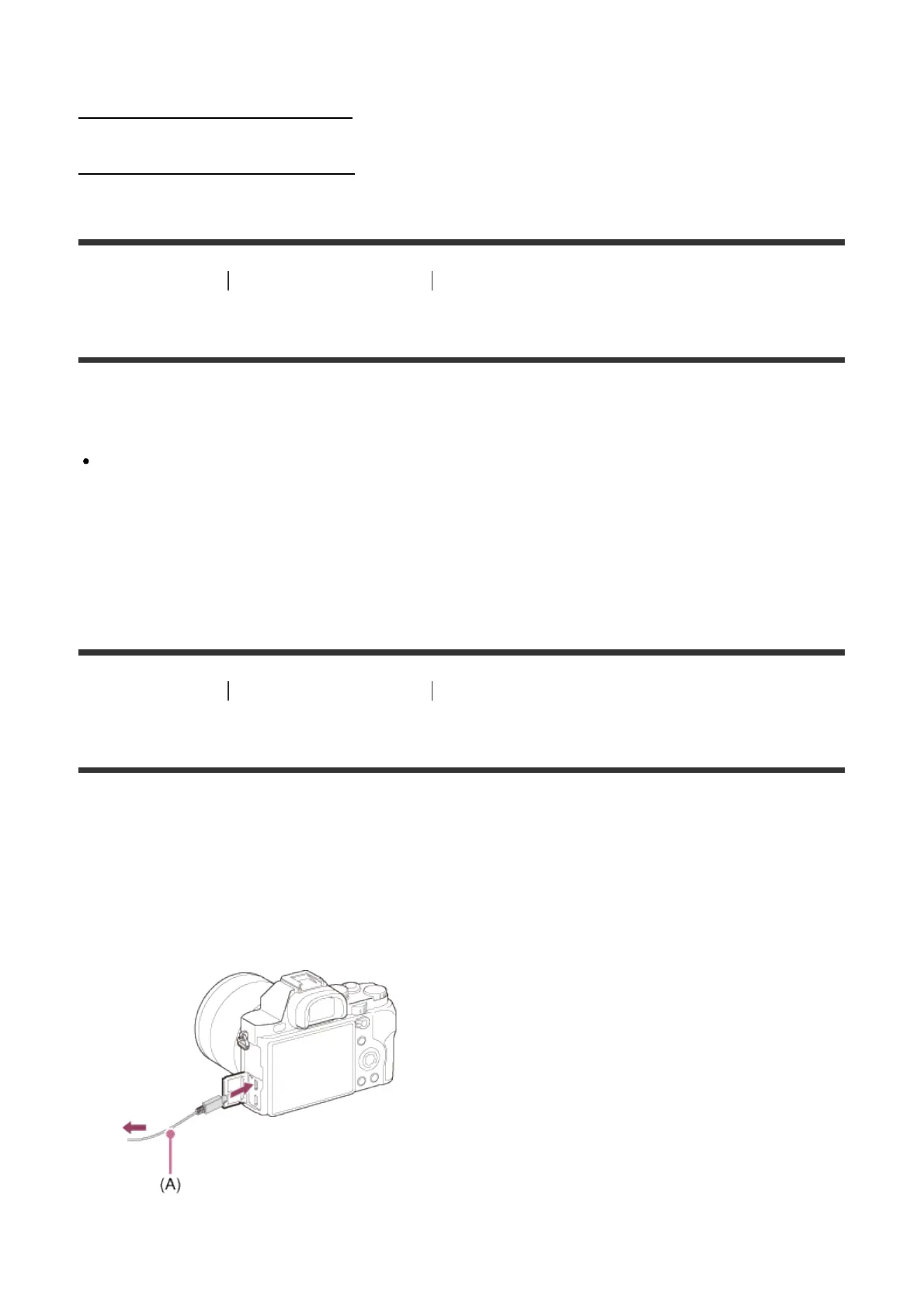
3. Connect the product and your computer using the micro USB cable (supplied) (A) .



 To Next Page