for wireless flash shooting (controller/remote).
HVL-F20M can be used as a clip-on, off-camera connected with a cable, and for wireless
flash shooting (controller).
Note
The FEL lock cannot be set when a flash is not attached.
If a flash that does not support the FEL lock is attached, an error message is displayed.
When both AE and FEL lock are fixed, flashes.
Hint
By setting [FEL Lock hold], you can hold the setting while the button is pressed down.
Also, by setting [FEL Lock/AEL hold] and [FEL Lock/AEL tggle.], you can shoot images
with the AE locked in the following situations.
When [Flash Mode] is set to [Flash Off] or [Autoflash].
When the flash cannot go off.
When using an external flash that is set to manual flash mode.
[54] How to Use Using shooting functions Selecting a screen display mode
Switching the screen display (Shooting)
You can change the display contents on the screen.
1. Press the DISP (Display Setting) button.
Each time you press the DISP button, the recording information display changes as
follows:
Graphic Display → Display All Info. → No Disp. Info. → Histogram → Level → For
viewfinder* → Graphic Display
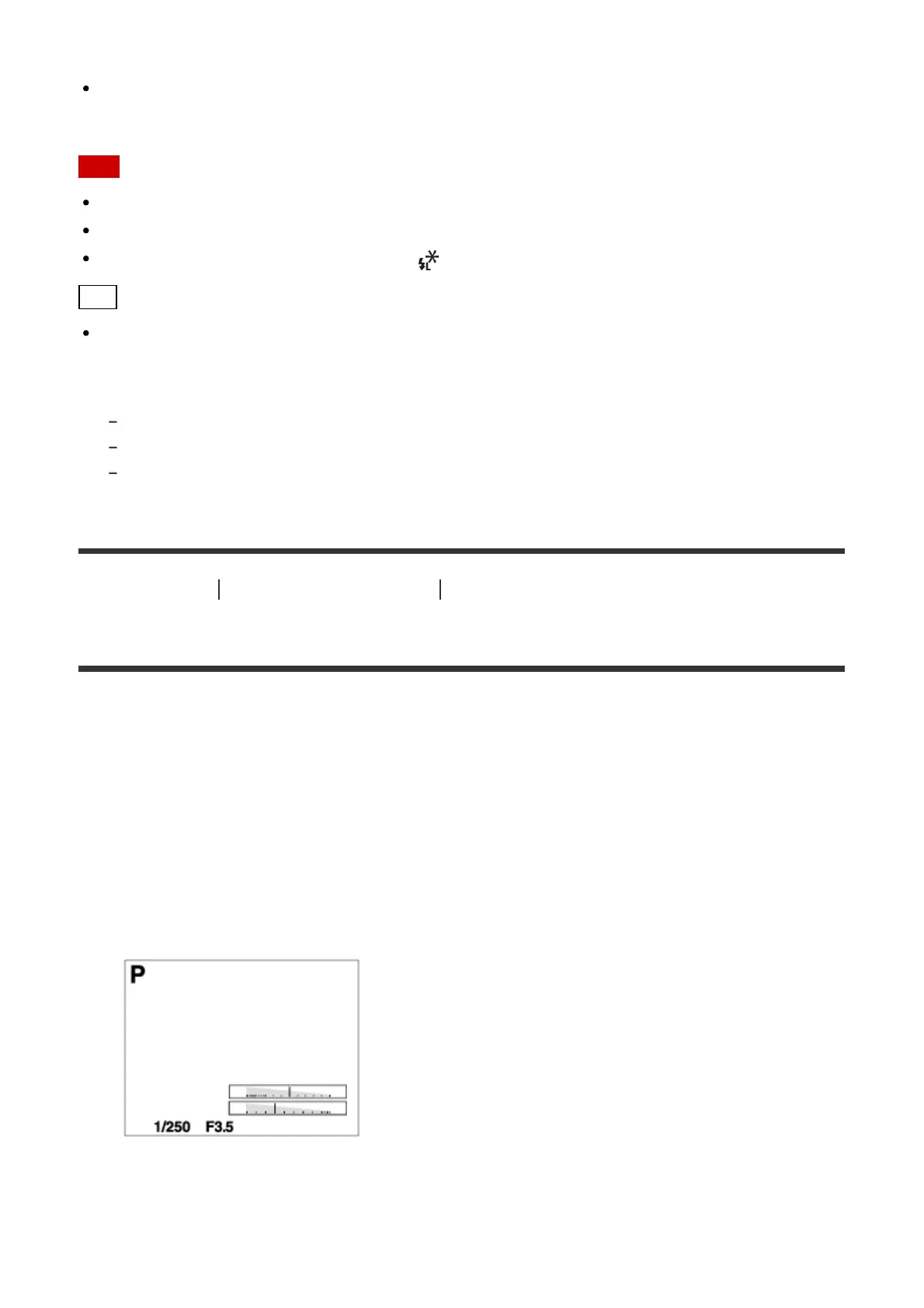
Graphic Display
Display All Info.



 To Next Page