Functions that can be selected using the MENU button
GB
44
(Application)
You can connect to the PlayMemories Camera Apps™ download site via
the Internet to add desired functions to your camera.
• This camera is preinstalled with a built-in application called [Smart
Remote Embedded] that allows you to control the camera using your
smartphone. The preinstalled application [Smart Remote Embedded] will
not be deleted even if you select MENU button t (Setup) t
[Setting Reset] t [Initialize].
(Playback)
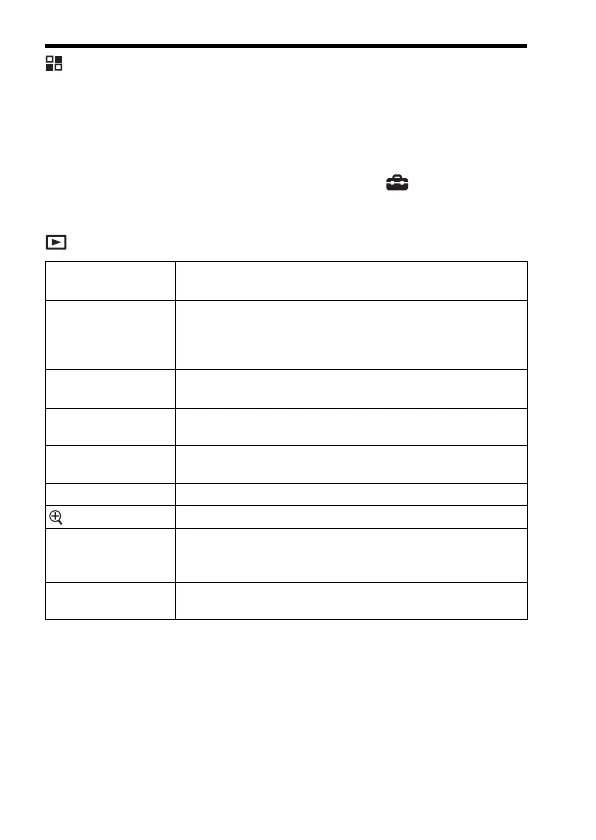
Delete Deletes an image.
(Multiple Img./All in this Folder/All with this date)
View Mode Plays back images from a specified date or specified folder of
still images and movies.
(Date View/Folder View(Still)/Folder View(MP4)/AVCHD
View/XAVC S HD View/XAVC S 4K View)
Image Index Displays multiple images at the same time.
(9 Images/25 Images)
Display Rotation Sets the playback direction of the recording image.
(Auto/Manual/Off)
Slide Show Shows a slide show.
(Repeat/Interval)
Rotate Rotates the image.
Enlarge Image Enlarges the playback images.
Protect Protects the images.
(Multiple Img./All in this Folder/All with this date/Cancel
All in this Folder/Cancel All with this date)
Specify Printing Adds a print order mark to a still image.
(Multiple Img./Cancel All/Print Setting)


 To Next Page