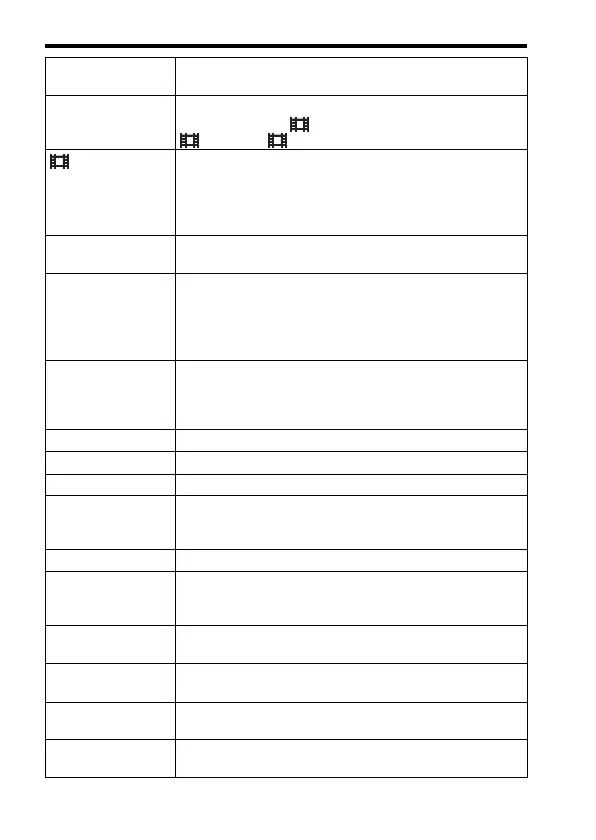
Functions that can be selected using the MENU button
GB
46
Remote Ctrl Sets whether to use the infrared remote control.
(On/Off)
HDMI Settings Sets the HDMI settings.
(HDMI Resolution/ 24p/60p Output/HDMI Info. Display/
TC Output/ REC Control/CTRL FOR HDMI)
4K Output Sel. Sets how to record and output 4K movies via HDMI when
the camera is connected to an external recorder/player that
supports 4K.
(Memory Card+HDMI/HDMI Only(30p)/HDMI Only(25p)/
HDMI Only(24p))
USB Connection Sets the USB connection method.
(Auto/Mass Storage/MTP/PC Remote)
USB LUN Setting Enhances compatibility by limiting the functions of USB
connection. Set to [Multi] in normal conditions and to
[Single] only when the connection between the camera and a
computer or AV component cannot be established.
(Multi/Single)
USB Power Supply Sets whether to supply power via USB connection when the
camera is connected to a computer or USB device using a
micro USB cable.
(On/Off)
Language Selects the language.
Date/Time Setup Sets date and time, and daylight savings.
Area Setting Sets the location of use.
Copyright Info Sets copyright information for still images.
(Write Copyright Info/Set Photographer/Set Copyright/Disp.
Copyright Info)
Format Formats the memory card.
File Number Sets the method used to assign file numbers to still images
and movies.
(Series/Reset)
Select REC Folder Changes the selected folder for storing still images and
movies (MP4).
New Folder Creates a new folder for storing still images and movies
(MP4).
Folder Name Sets the folder format for still images.
(Standard Form/Date Form)
Recover Image DB Recovers the image database file and enables recording and
playback.


 To Next Page