Help Guide
Interchangeable Lens Digital Camera
ILX-LR1
White Balance (still image/movie)
Corrects the tone effect of the ambient light condition to record a neutral white subject in white. Use this function when
the color tones of the image did not come out as you expected, or when you want to change the color tones on purpose
for photographic expression.
Menu item details
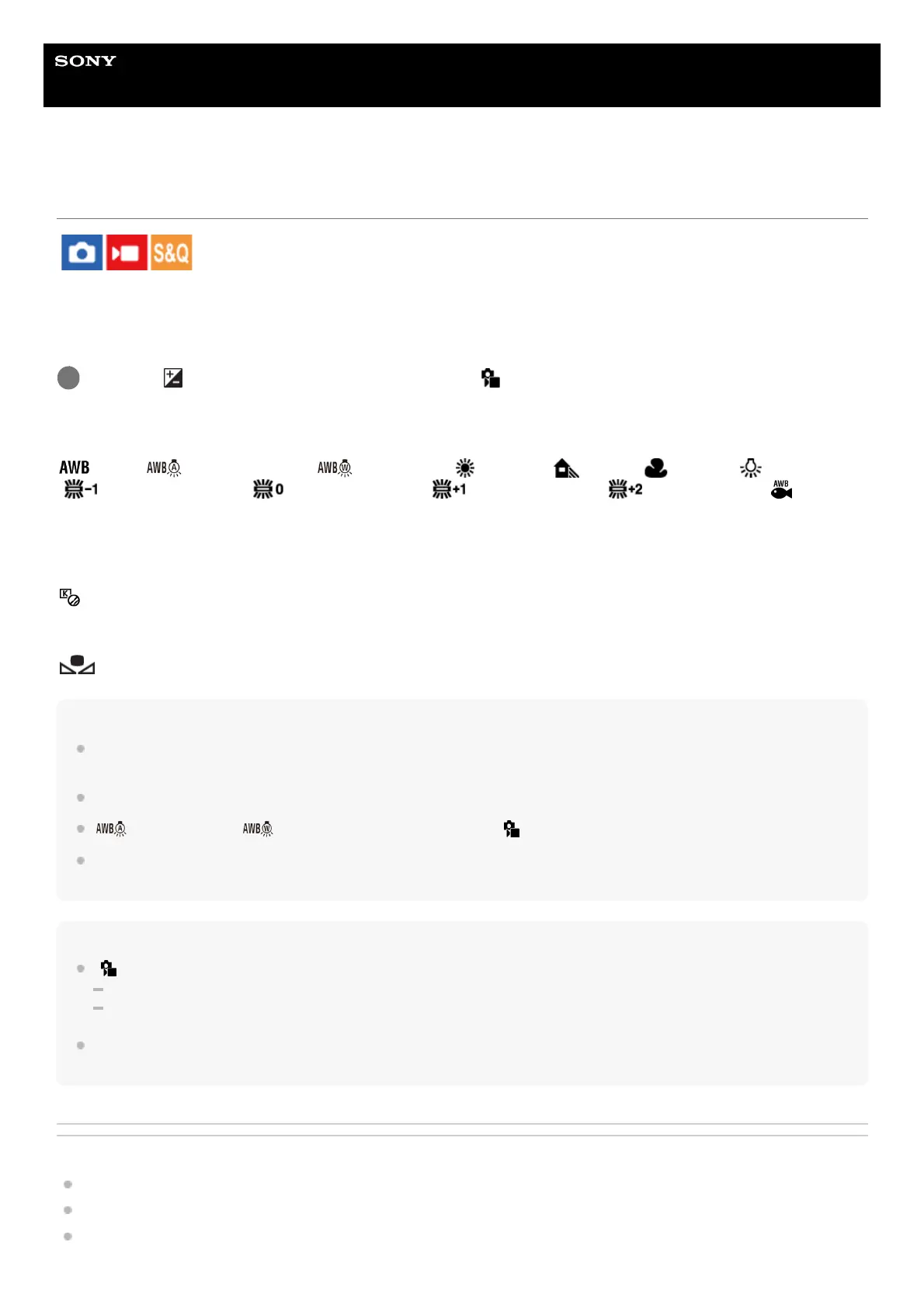
Auto / Auto: Ambience / Auto: White / Daylight / Shade / Cloudy / Incandescent
/ Fluor.: Warm White / Fluor.: Cool White / Fluor.: Day White / Fluor.: Daylight /
Underwater Auto :
When you select a light source that illuminates the subject, the product adjusts the color tones to suit to the selected light
source (preset white balance). When you select [Auto], the product automatically detects the light source and adjusts the
color tones.
C.Temp./Filter:
Adjusts the color tones depending on the light source. Achieves the effect of CC (Color Compensation) filters for
photography.
Custom 1/Custom 2/Custom 3:
Memorizes the basic white color under the light conditions for the shooting environment.
Hint
You can display the fine adjustment screen and perform fine adjustments of the color tones as required by pressing the right side
of the control wheel.
If the color tones do not come out as you expected in the selected settings, perform [WB bracket] shooting.
(Auto: Ambience), (Auto: White) is displayed only when [ Priority Set in AWB] is set to [Ambience] or [White].
If you want to moderate abrupt white balance switching, such as when the recording environment switches during movie
recording, you can change the white balance switching speed with the [Shockless WB] function.
Note
[ White Balance] is fixed to [Auto] in the following shooting modes:
[Intelligent Auto]
[Scene Selection]
If you use a mercury lamp or a sodium lamp as a light source, the accurate white balance will not be obtained because of the
characteristics of the light. It is recommended to shoot images with a setting from [Custom 1] to [Custom 3].
Related Topic
Capturing a standard white color to set the white balance (custom white balance)
Priority Set in AWB (still image/movie)
WB bracket
MENU → (Exposure/Color) → [White Balance] → [ White Balance] → desired setting.
1



 To Next Page