Help Guide
Interchangeable Lens Digital Camera
ILX-LR1
Clear Image Zoom/Digital Zoom (Zoom)
When you use a zoom function other than the optical zoom, you can exceed the zoom range of the optical zoom.
Hint
When a power zoom lens is attached, you can use the zoom lever or zoom ring to magnify the image. If you exceed the optical
zoom magnification, you can switch to a zoom function other than the optical zoom with the same operation.
Even when you select [ Zoom] from MENU to zoom with the power zoom lens attached, the optical zoom is used up to the
telephoto end of the lens.
Related Topic
Zoom Range (still image/movie)
The zoom features available with this product
About zoom scale
Assigning frequently used functions to buttons (Custom Key Setting)
TP1001207763
5-055-988-11(1) Copyright 2023 Sony Corporation
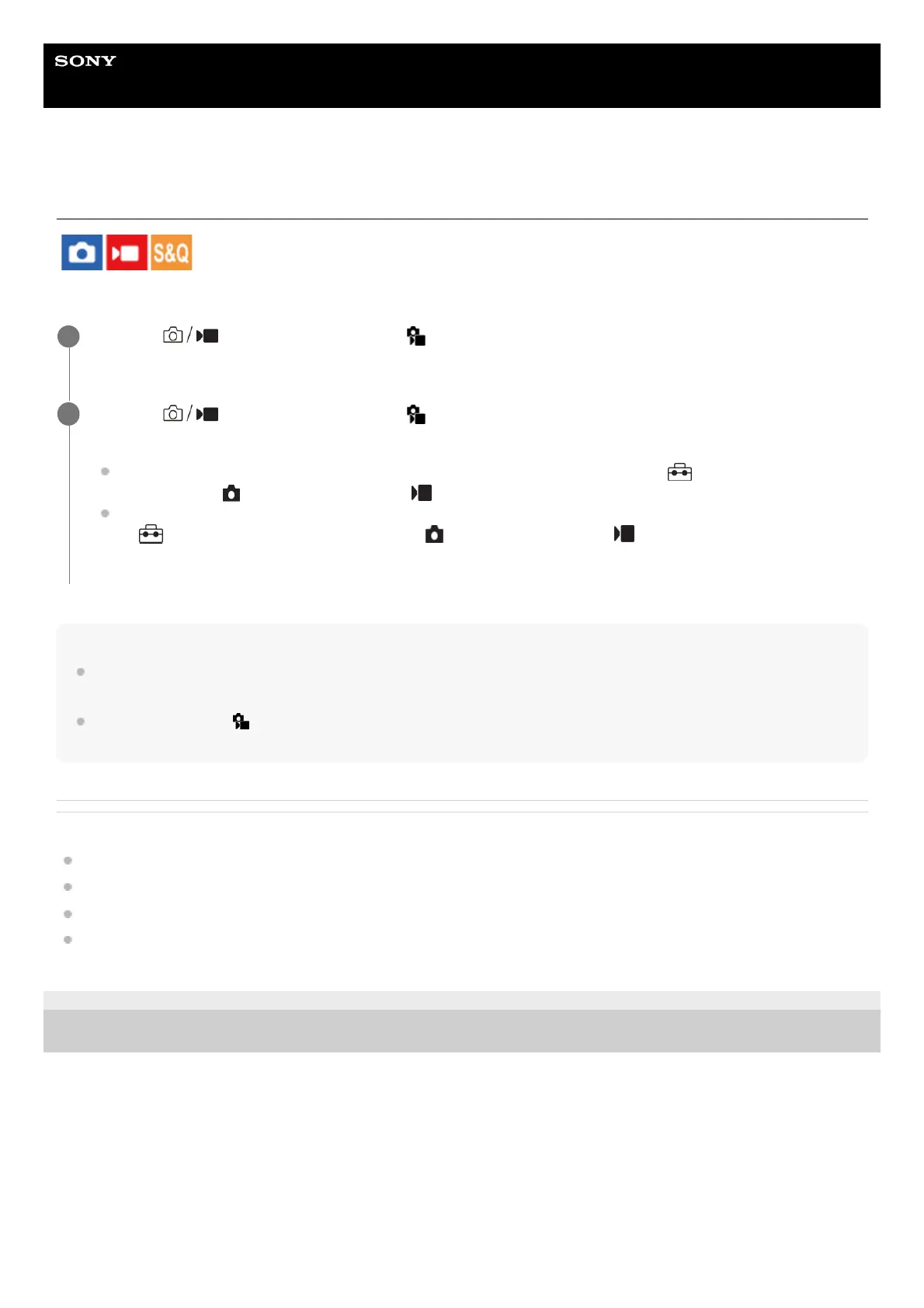
MENU → (Shooting) → [Zoom] → [ Zoom Range] → Select [Clear Image Zoom] or [Digital
Zoom].
1
MENU → (Shooting) → [Zoom] → [ Zoom] → desired value.
Press the center of the control wheel to exit.
You can also assign the [Zoom] function to the desired key by selecting MENU → (Setup) → [Operation
Customize] → [ Custom Key Setting] or [ Custom Key Setting].
If you assign [Zoom Operation (T)] or [Zoom Operation (W)] to the desired key in advance by selecting MENU
→ (Setup) → [Operation Customize] → [ Custom Key Setting] or [ Custom Key Setting], you can
zoom in and out simply by pressing that key.
2



 To Next Page