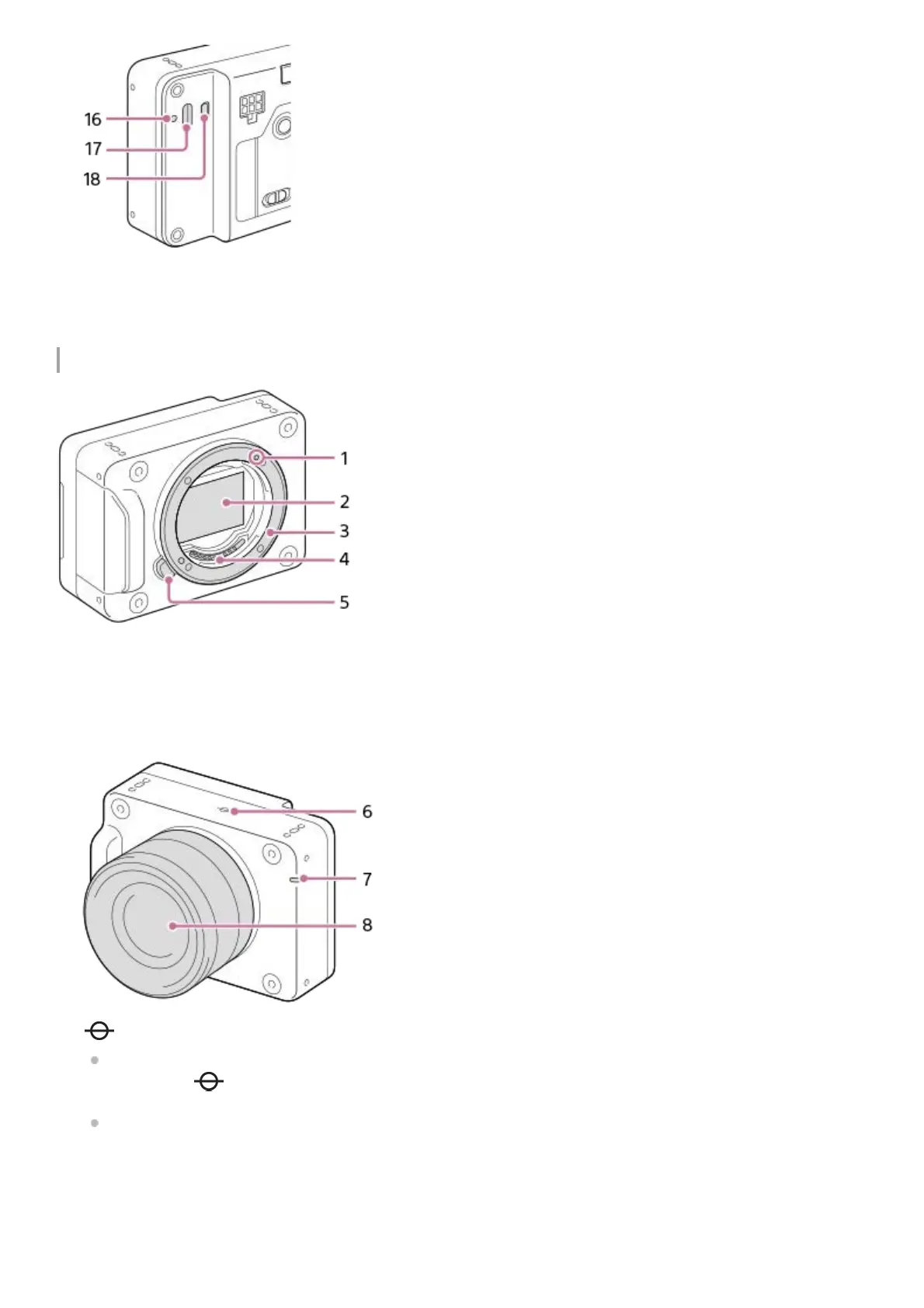
Front side
USB Type-C fixing screw hole16.
USB Type-C terminal17.
HDMI micro jack18.
Mounting index1.
Image sensor*2.
Mount3.
Lens contacts*4.
Lens release button5.
Image sensor position mark
The image sensor is the sensor that converts light into an electric signal. The position of the image sensor is
indicated by (Image sensor position mark). When you measure the exact distance between the camera and
the subject, refer to the position of the horizontal line.
If the subject is closer than the minimum shooting distance of the lens, the focus cannot be confirmed. Make sure
you put enough distance between the subject and the camera.
6.
Recording lamp7.
Lens8.
Do not directly touch these parts.
*



 To Next Page