Help Guide
Interchangeable Lens Digital Camera
ILX-LR1
List of default setting values (Network)
The default setting values at the time of purchase are shown in the following table.
To reset settings to the default values
Select MENU → (Setup) → [Reset/Save Settings] → [Setting Reset] → [Camera Settings Reset] or [Initialize] →
[Enter].
Initialize: All the settings of the camera will be reset to the default values.
Camera Settings Reset: Items that can be reset are limited. See the following table.
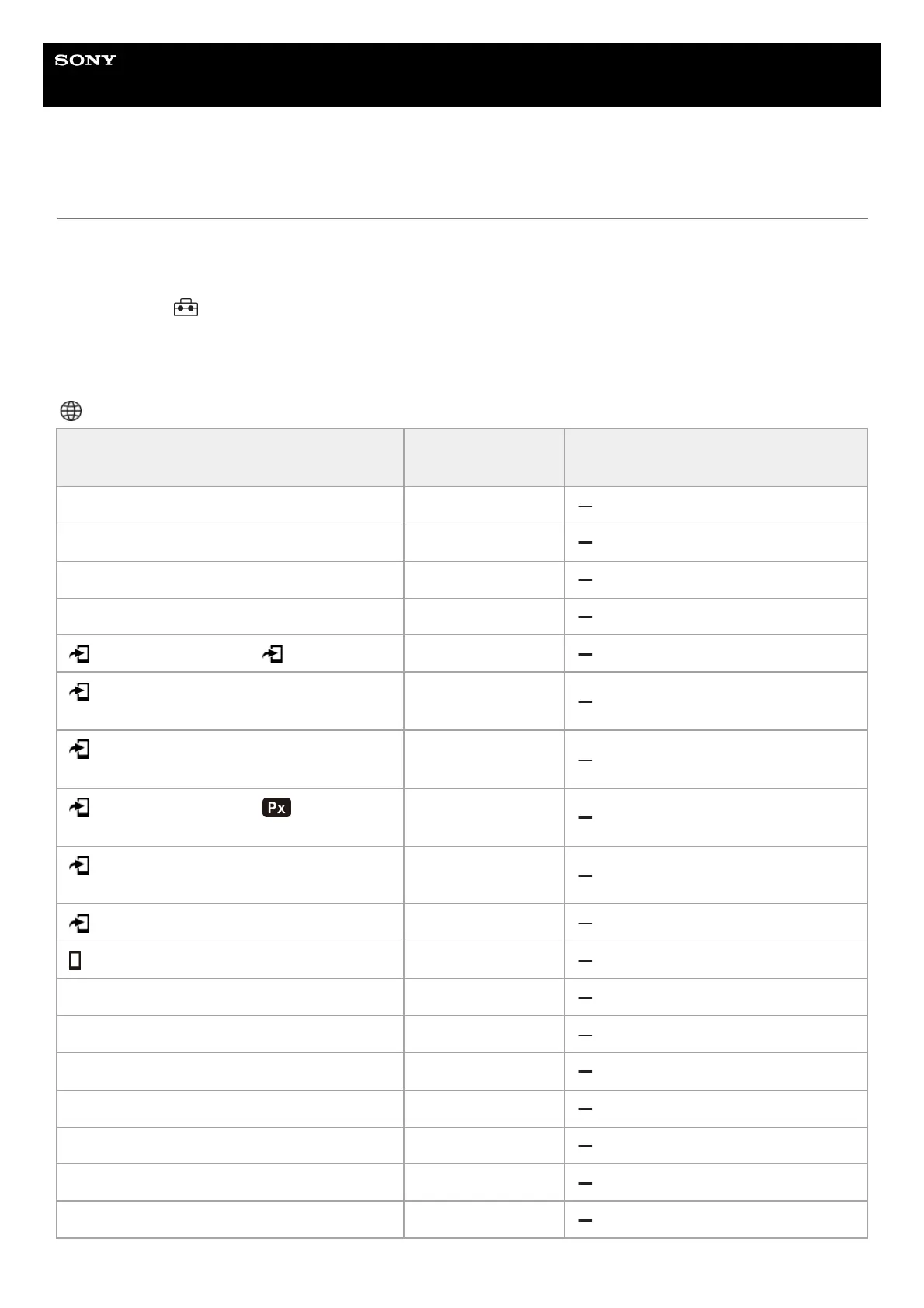
(Network) tab
MENU item
Default setting
value
Resettable using [Camera Settings
Reset]
Smartphone Connection —
PC Remote Function (PC Remote) Off
PC Remote Function (Pairing) ―
PC Remote Function (Wi-Fi Direct Info.) ―
Select on Cam & Send ( Send) ―
Select on Cam & Send (Size of Sending
Image)
2M
Select on Cam & Send (RAW+J/H Send
Target)
JPEG & HEIF
Select on Cam & Send ( Sending
Target)
Proxy Only
Select on Cam & Send (Movie with Shot
Mark)
Cut to 15 seconds
Reset Transfer Status —
Cnct. while Power OFF Off
Remote Shoot Setting (Still Img. Save Dest.) Dest.+Camera
Remote Shoot Setting (Save Image Size) 2M
Remote Shoot Setting (RAW+J Save Image) JPEG Only
Remote Shoot Setting (RAW+H Save Image) HEIF Only
FTP Transfer Func. (FTP Function) Off
FTP Transfer Func. (Server Setting) Server 1
FTP Transfer Func. (Save/Load FTP Settings) —



 To Next Page