Help Guide
Interchangeable Lens Digital Camera
ILX-LR1
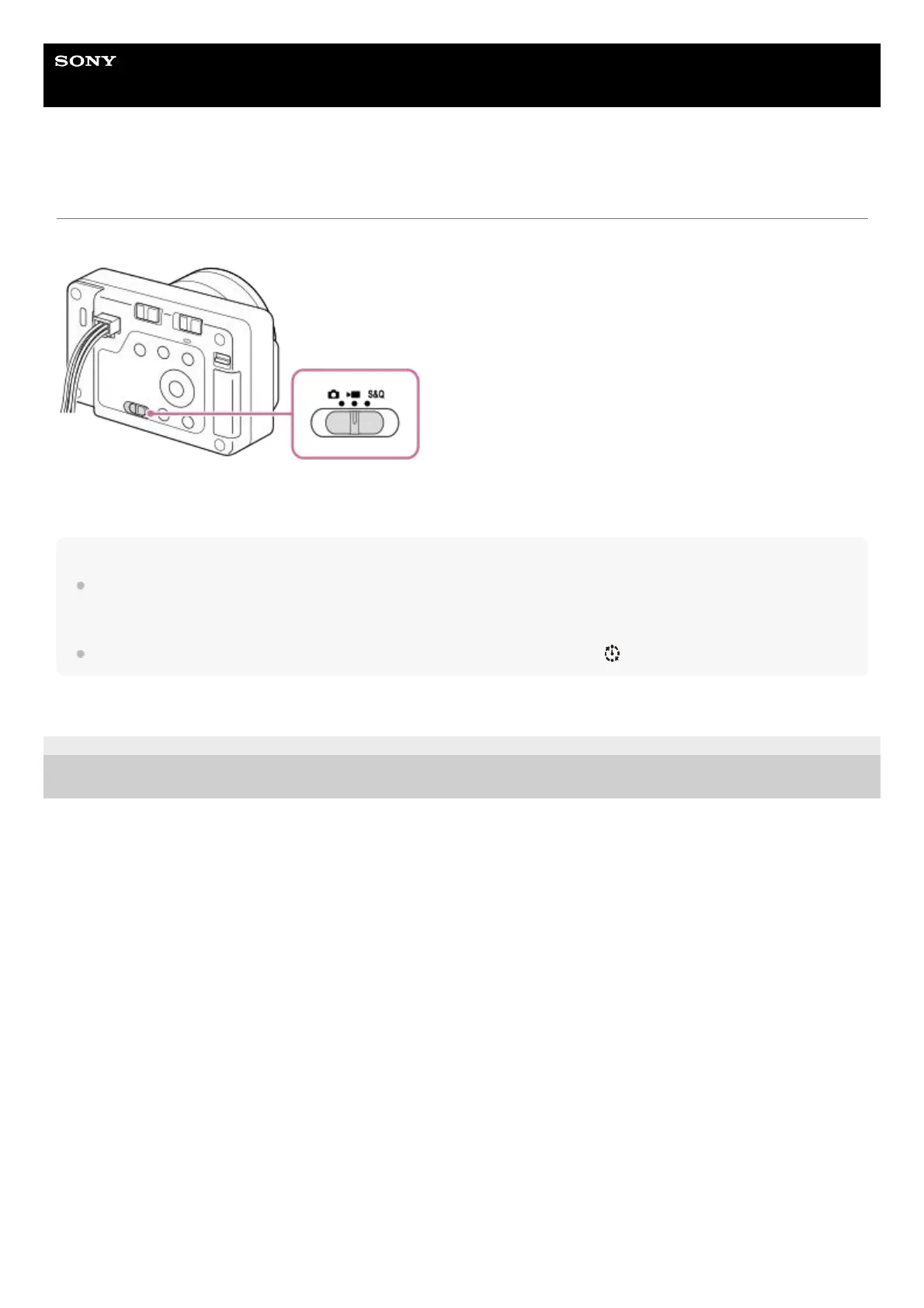
Still/Movie/S&Q switch
You can use the Still/Movie/S&Q switch to select a shooting mode according to the subject and purpose of shooting.
You can select the still image shooting mode, movie recording mode, or slow-motion/quick-motion recording mode as the
shooting mode using the Still/Movie/S&Q switch.
Hint
The menu items displayed in the [Shooting], [Exposure/Color], and [Focus] tabs of the menu screen vary depending on the
shooting mode (still image/movie/S&Q). Before you adjust these settings, select the desired shooting mode with the
Still/Movie/S&Q switch.
When shooting a time-lapse movie, set the Still/Movie/S&Q switch to S&Q, and select [ Time-lapse].
TP1001221951
5-055-988-11(1) Copyright 2023 Sony Corporation



 To Next Page