Help Guide
Interchangeable Lens Digital Camera
ILX-LR1
Shooting still images (Intelligent Auto)
This section describes how to shoot still images in the [Intelligent Auto] mode. In the [Intelligent Auto] mode, the camera
automatically focuses and automatically determines the exposure based on the shooting conditions.
To select the focus mode yourself (
Focus Mode / Focus Area)
Specifying [ Focus Mode], such as selecting (Single-shot AF) for landscapes or still subjects and selecting
(Continuous AF) for moving subjects, makes it easier to focus on the desired subject. You can also specify the
focus position and range using [ Focus Area].
Shooting while focusing on human eyes
The [ Subject Recog in AF] function under [Subject Recognition] is enabled in the default settings, so you can use the
Subject Recognition function immediately.
To shoot images with the focus locked on the desired subject (Focus-lock)
When you focus on the subject, the focus is locked while the shutter button is pressed halfway down. Switch to the
desired composition and press the shutter button all the way down to take the picture.
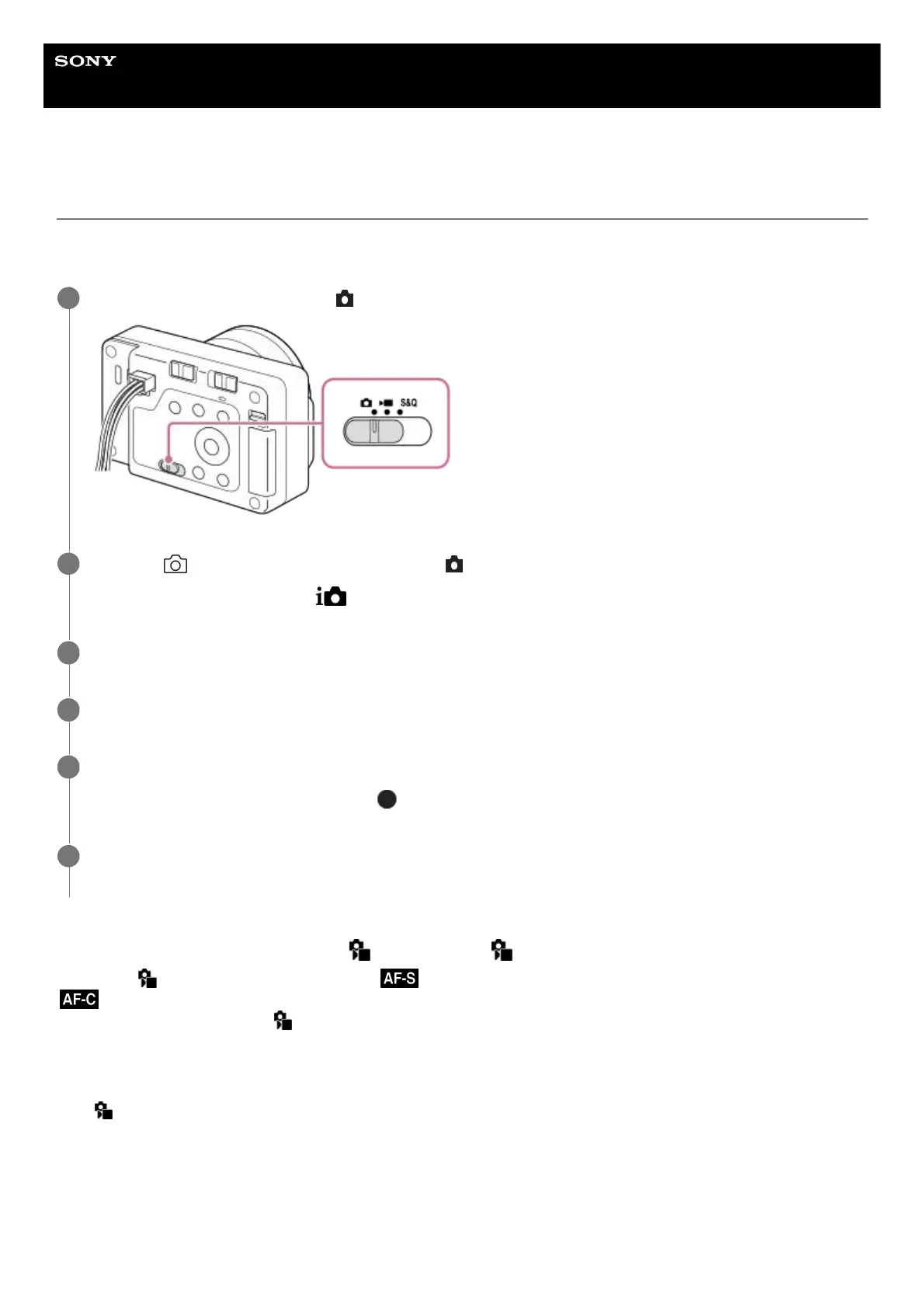
Set the Still/Movie/S&Q switch to
(Still) to select the still image shooting mode.
1
MENU → (Shooting) → [Shooting Mode] → [ Shoot Mode] → [Intelligent Auto].
The shooting mode will be set to (Intelligent Auto).
2
Point the camera at the subject.
3
Use the zoom to enlarge the subject.
4
Press the shutter button halfway down to focus.
When the image is in focus, the indicator ( , etc.) lights up on the external monitor.
5
Press the shutter button.
When using the shutter button on the camera, press it fully down.
6



 To Next Page