When [ Focus Area] is set to [Spot] or [Expand Spot], you can move the focusing frame over a greater distance at a time by
setting [ AF Frame Move Amt] to [Large].
Note
You cannot execute functions assigned to the C button while moving the focusing frame.
To track the subject temporarily when shooting still images and movies (Tracking On)
You can temporarily change the setting for [ Focus Area] to [Tracking] while pressing and holding down the custom
key to which you have assigned [Tracking On] with [ Custom Key Setting] or [ Custom Key Setting] in advance.
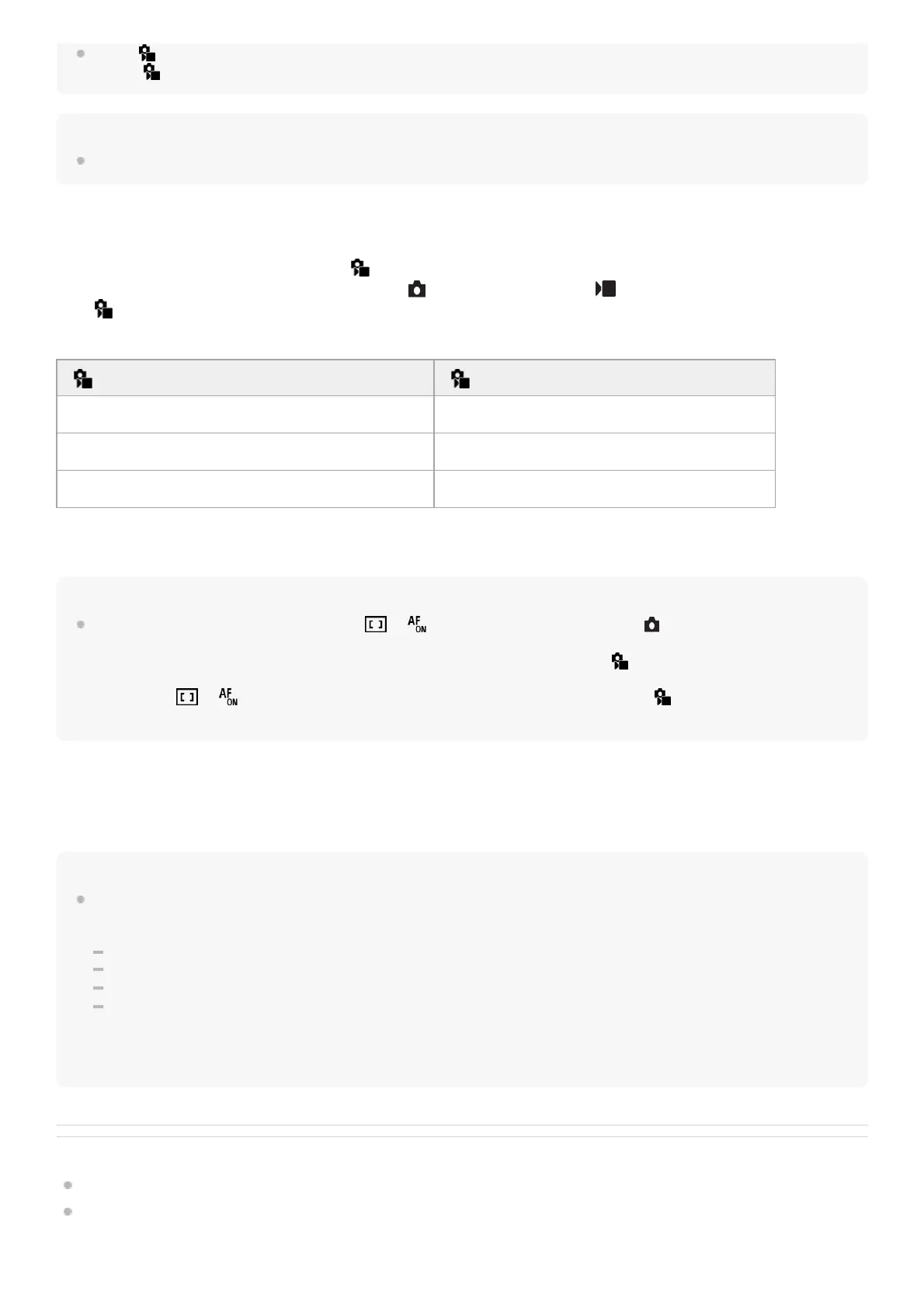
The [ Focus Area] setting before you activated [Tracking On] will switch to the equivalent [Tracking] setting.
For example:
Hint
When [Tracking On + AF On] or [Tracking On + ] is assigned to a custom key using [ Custom Key Setting], while the
custom key is pressed during still image shooting, autofocus works simultaneously with tracking to keep the subject in focus.
[Tracking On + AF On]: Tracks the subject in the focus area according to the setting for [ Focus Area] before you pressed the
custom key.
[Tracking On + ]: Tracks the subject in the center of the screen despite the setting for [ Focus Area] before you
pressed the custom key.
Phase detection AF
When there are phase detection AF points within the auto focus area, the product uses the combined autofocus of the
phase detection AF and contrast AF.
Note
Phase detection AF is available only when a compatible lens is attached. If you use a lens that does not support phase detection
AF, you cannot use the following functions.
[Automatic AF]
[AF Tracking Sensitivity]
[AF Subj. Shift Sensitivity]
[AF Transition Speed]
Also, even if you use a previously purchased applicable lens, the phase detection AF might not function unless you update the
lens.
Related Topic
Selecting the focus method (Focus Mode)
Adjusting the focus area settings to the camera’s orientation (horizontal/vertical) (Switch V/H AF Area)
TP1001198933
[ Focus Area] before you activate [Tracking On] [ Focus Area] while [Tracking On] is active
[Wide] [Tracking: Wide]
[Spot: S] [Tracking: Spot S]
[Expand Spot] [Tracking: Expand Spot]



 To Next Page