33
GB
Using MENU Functions
Favorite Preset
Presets Favorite List 1 and Favorite List 2.
1 Press
F/f to select “Favorite List 1” or “Favorite List 2”, then press .
2 Press
F/f to select the desired allocation number, then press .
3 Press
F/f to select the channel you want to allocate, then press .
To overwrite a new channel selection (over one that has been pre-allocated), follow
step 3 to select the newly desired channel, then press .
To delete a pre-allocated channel, follow step 2 (to select the desired channel), then
select “Delete” in step 3.
Parental Control
Sets a parental guidance level. Programs that exceed the set level can only be
watched after entering the correct password.
The password is initially set to “0000”. If
you want to change the password, follow
“To change the password” (see below).
1 Press the number buttons to enter your password.
2 Press F/f to select “Parental Rating”, then press .
3 Press F/f to select the level you want to set (refer to the table below),
then press .
To change the password
Select “Change Password” in step 2 above, then press . Enter the new password
using the number buttons. Enter the new password again.
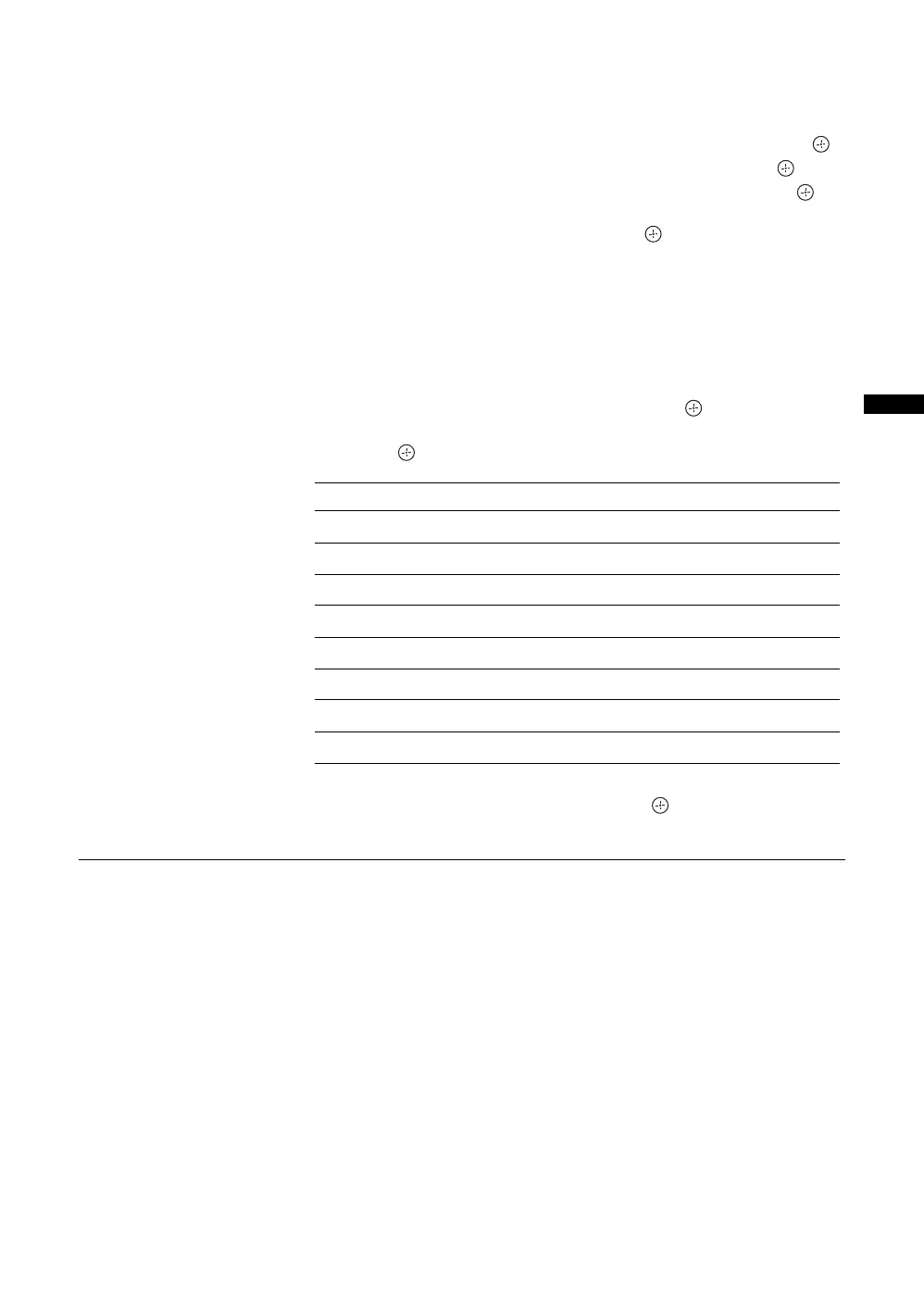
Level Function
Block All All programs need a password to view.
Block G and above To lock “General” and above programs.
Block PG and above To lock “Parental Guidance” and above programs.
Block M and above To lock “Mature” and above programs.
Block MA and above To lock “Mature Adult” and above programs.
Block AV and above To lock “Adult/Violence” and above programs.
Block R and above To lock “Restricted” and above programs.
No Block (default setting) No programs need a password to view.






 To Next Page