20
GB
Viewing pictures from
the connected
equipment
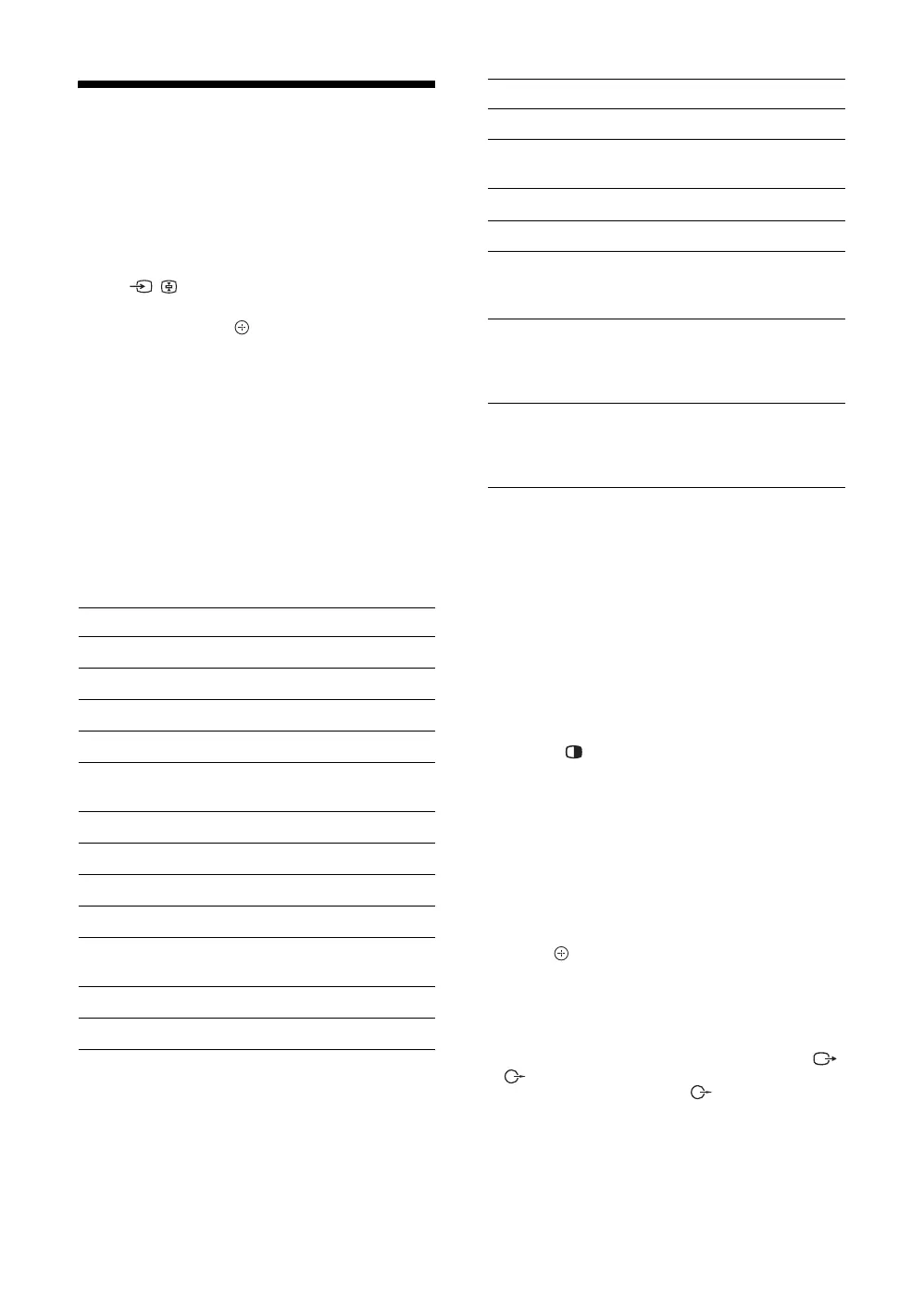
Turn on the connected equipment, then
press / to display the available inputs.
Press
F/f to select the desired input
source, then press . (The highlighted item
is selected if 2 seconds pass without any
operation after pressing
F/f.)
When the input source is set to “Skip” in the
“Video Labels” menu under the “AV Set-up”
menu (page 30), that input does not appear
in the list.
Using the Tools menu
Press TOOLS to display the following options when
viewing pictures from connected equipment.
The options displayed vary depending on the input
source.
To view two pictures simultaneously
– Twin Picture
You can view two pictures (external input and TV
programme) on the screen simultaneously.
Connect an optional equipment (page 18), and make
sure that images from the equipment appear on the
screen (page 20).
~
• This function is not available when displaying a PC input
or DIGITAL MEDIA PORT input.
• You cannot change the size of the pictures.
1 Press .
Two pictures are displayed simultaneously.
The picture from connected equipment is
displayed on the left and the TV programme is
displayed on the right.
2 Press G/g to select active picture.
3 Press number buttons or PROG +/– to
select the TV channel.
To return to single picture mode
Press or RETURN.
z
• The picture framed in green is audible. You can switch the
audible picture by pressing
G/g.
• You can also use the Twin Picture feature by selecting
“Twin Picture” from the Tools menu.
• The picture and sound from the monitor output jacks /
(refer E in page 18) will follow the left picture.
However, if audio output jacks
(refer G in page 18)
are connected, the sound will follow TV speaker.
Options Description
Close Closes the Tools menu.
Picture Mode See page 23.
Display Mode See page 23.
Sound Mode See page 25.
MPEG Noise
Reduction
See page 24.
Speaker See page 30.
Twin Picture See page 20.
PIP See page 21.
Single Picture Returns to single picture mode.
Audio Swap Allows you to switch the
audible picture in PIP mode.
Auto Adjustment See page 33.
Horizontal Shift See page 33.
Vertical Shift See page 33.
i Volume Adjusts the volume of the
headphones.
Sleep Timer See page 31.
Power Saving See page 32.
Device Control Displays the menu screen to
operate the connected HDMI-
compatible equipment.
Device Control
(Menu)
If the connected DIGITAL
MEDIA PORT-compatible
equipment has the operation
menu, displays it directly.
Control Panel Displays the control panel to
operate the connected DIGITAL
MEDIA PORT-compatible
equipment.
Options Description





 To Next Page