17
GB
Watching TV
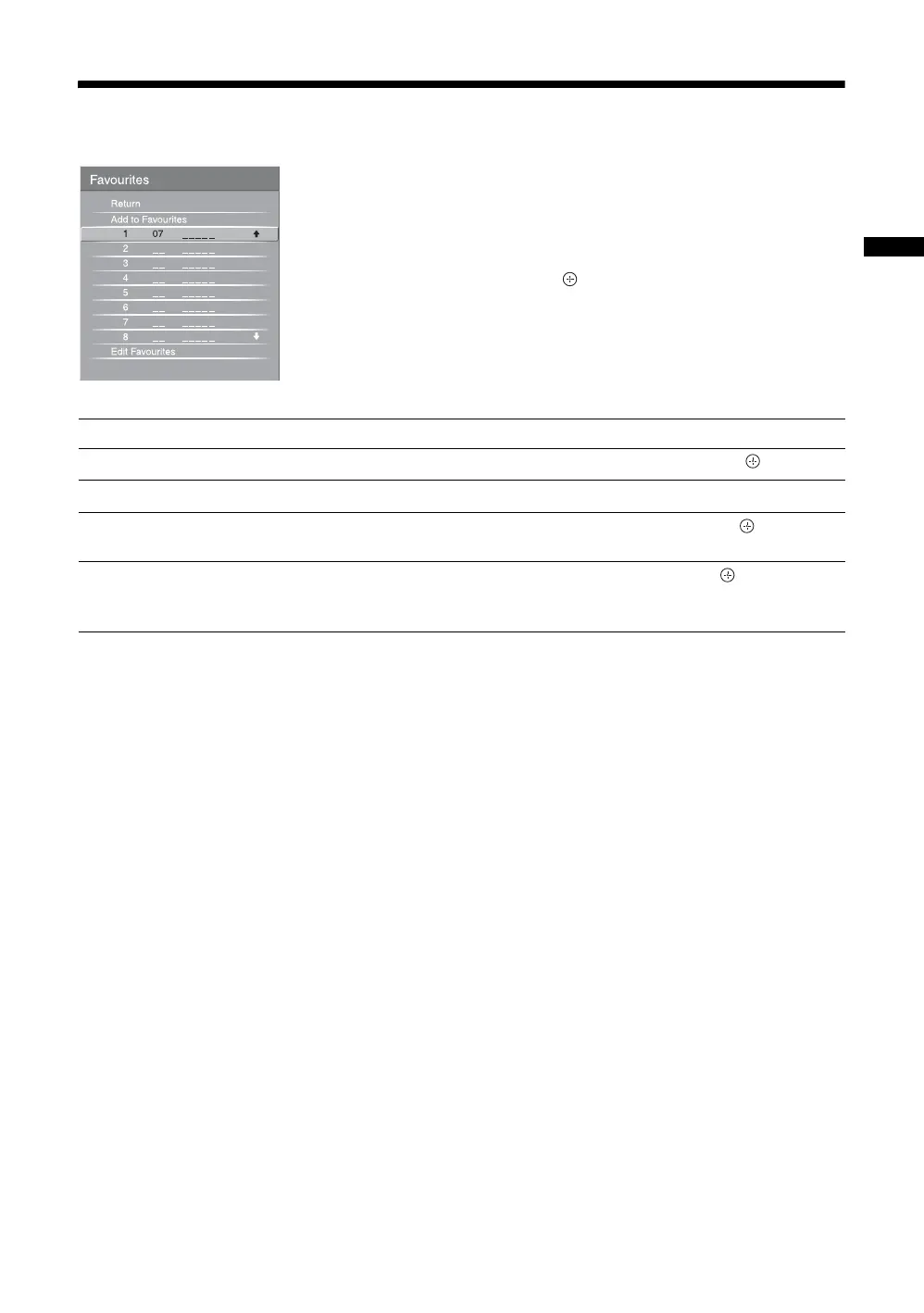
Using the Favourite List
The Favourite feature lets you select programmes
from a list of up to 16 favourite channels that you
specify.
1 Press MENU.
2 Press F/f to select “Favourites”, then
press .
3 Perform the desired operation as shown in
the following table or displayed on the
screen.
Favourite List
To Do this
Watch a channel
Press F/f to select the channel number, then press .
Turn off the Favourite list
Press RETURN.
Add a current channel to the Favourite
list
Press F/f to select “Add to Favourites”, then press .
Remove a channel from the Favourite
list
Press F/f to select “Edit Favourites”, then press .
The “Favourite Set-up” screen appears. For details, see “Favourite Set-up”
on page 34.





 To Next Page