Adjustment Using the Menus
17
Adjustment Using the
Menus
Items
The screen menu of this monitor consists of the
following items.
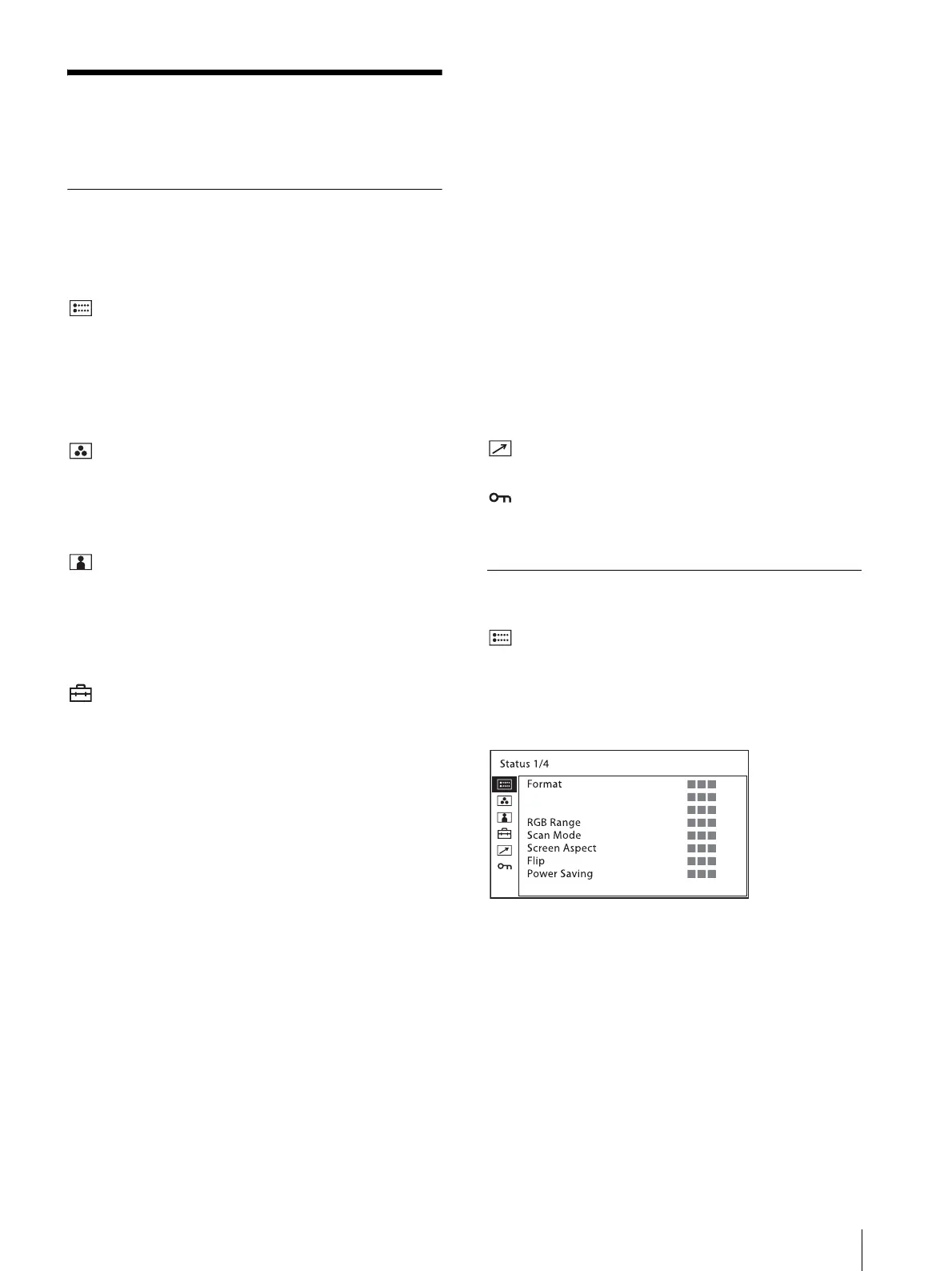
[Status] (the items indicate the current
settings.)
Displays the unit setting status, etc.
For details on the displayed items, see “[Status] menu”
(page 17).
[Color Temp/Gamma]
[Color Temp]
[Manual Adjustment]
[Gamma]
[User Control]
[Volume]
[Aperture]
[Backlight]
[Composite Video Control]
[User Configuration]
[System Setting]
[Language]
[LED Brightness]
[Format Display]
[Power Saving]
[User Reset]
[Input Setting]
[DVI RGB Range]
[HDMI RGB Range]
[SDI Payload ID Detect]
[Function Button Setting]
[Marker Setting]
[Marker]
[Aspect Marker]
[Center Marker]
[Area Marker]
[Marker Intensity]
[Time Code Setting]
[Time Code]
[Format]
[Position]
[Transparency]
[Focus Assist Setting]
[Focus Assist]
[Focus Mode]
[Frequency]
[Range]
[Gain]
[WFM/ALM/Vector (waveform monitor, audio level
meter, and vectorscope) Setting]
[Display]
[WFM/ALM/Vector]
[Position]
[Transparency]
[Intensity]
[Line Select]
[Target]
[Audio Setting]
[SDI Audio Setting]
[Analog Audio Output]
[On Screen Tally Setting]
[Tally Bckgnd Display]
[Parallel Remote]
[Security]
[Key Inhibit]
Adjusting and Changing the Settings
[Status] menu
The status menu displays the current status of the unit.
The following items are displayed:
Page 1
Format
RGB range
Scan mode
Screen Aspect
Flip
Power saving



 To Next Page