Adjustment Using the Menus
26
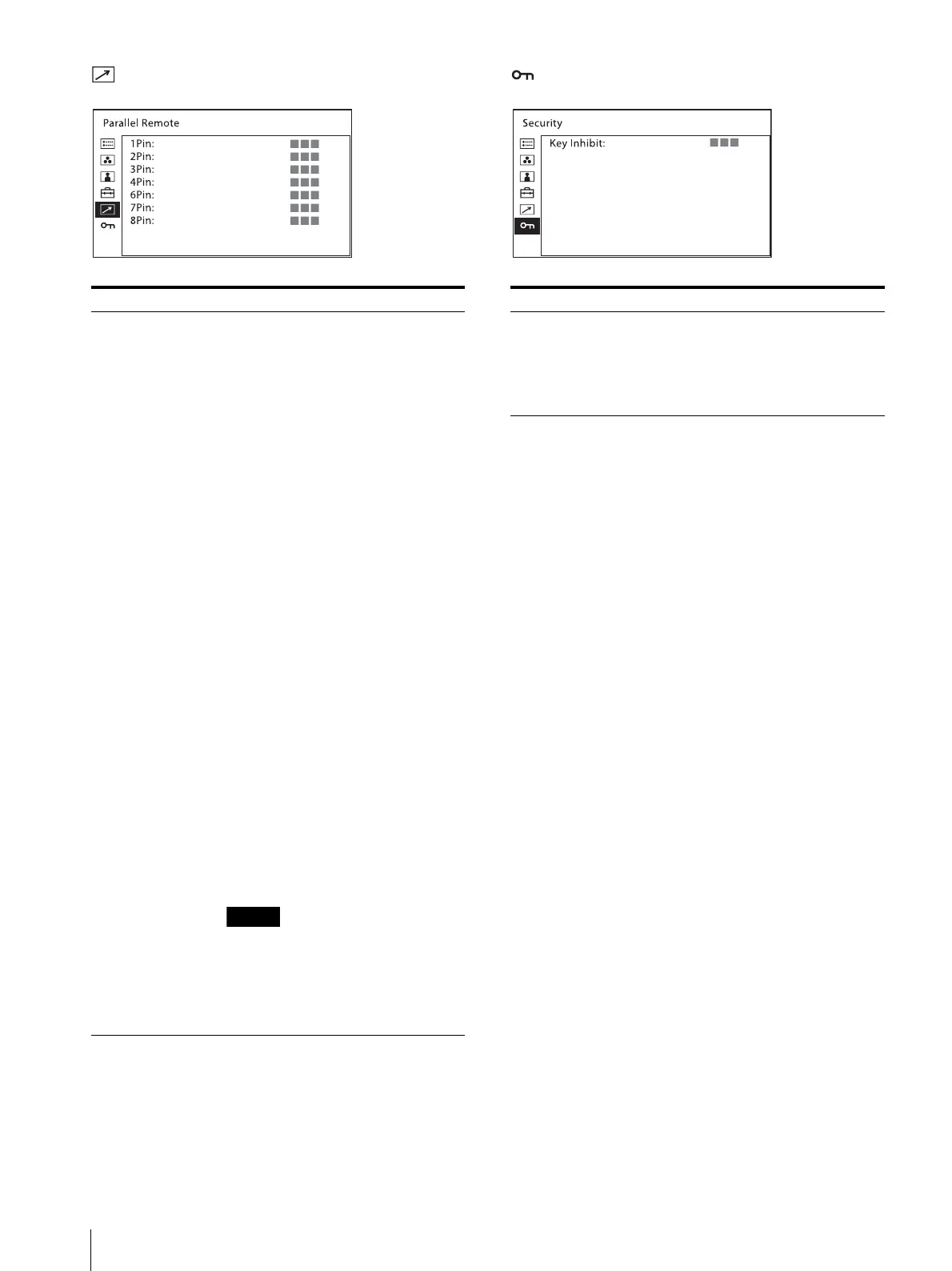
[Parallel Remote] menu [Security] menu
Submenu Setting
[1Pin] to [4Pin],
[6Pin] to [8Pin]
Selects the PARALLEL REMOTE
connector pins for which you want to
change the function.
You can assign various functions to pins
1 to 4 and pins 6 to 8. The following lists
the functions you can assign to the pins.
[SDI1]
[SDI2]
[HDMI]
[Composite]
[80% Area Marker]
[85% Area Marker]
[88% Area Marker]
[90% Area Marker]
[93% Area Marker]
[95% Area Marker]
[Center Marker]
[4:3 Marker]
[Side by Side]
[Tally Red]
[Tally Green]
[Normal Scan]
[Native Scan]
[4:3]
[16:9]
[Flip H]
[Flip V]
[Flip H/V]
[WFM/ALM/Vector]
[Focus Assist]
[Mono]
[Blue Only]
[Sync-free Side by Side]
[Audio Muting]
[– – –] ([– – –]: No function is
assigned.)
If you use the parallel remote
function, you need to connect
cables. For more details, see page 11.
Set [Marker] (page 22) in [Marker
Setting] to [On] to control the aspect
marker and center marker.
Submenu Setting
[Key Inhibit] You can lock the setting so that they
cannot be changed by an unauthorized
user. Select [On] or [Off].
If you set to [On], all items are
displayed in black, indicating the items
are locked.



 To Next Page