30
EN
Recording
Preparations
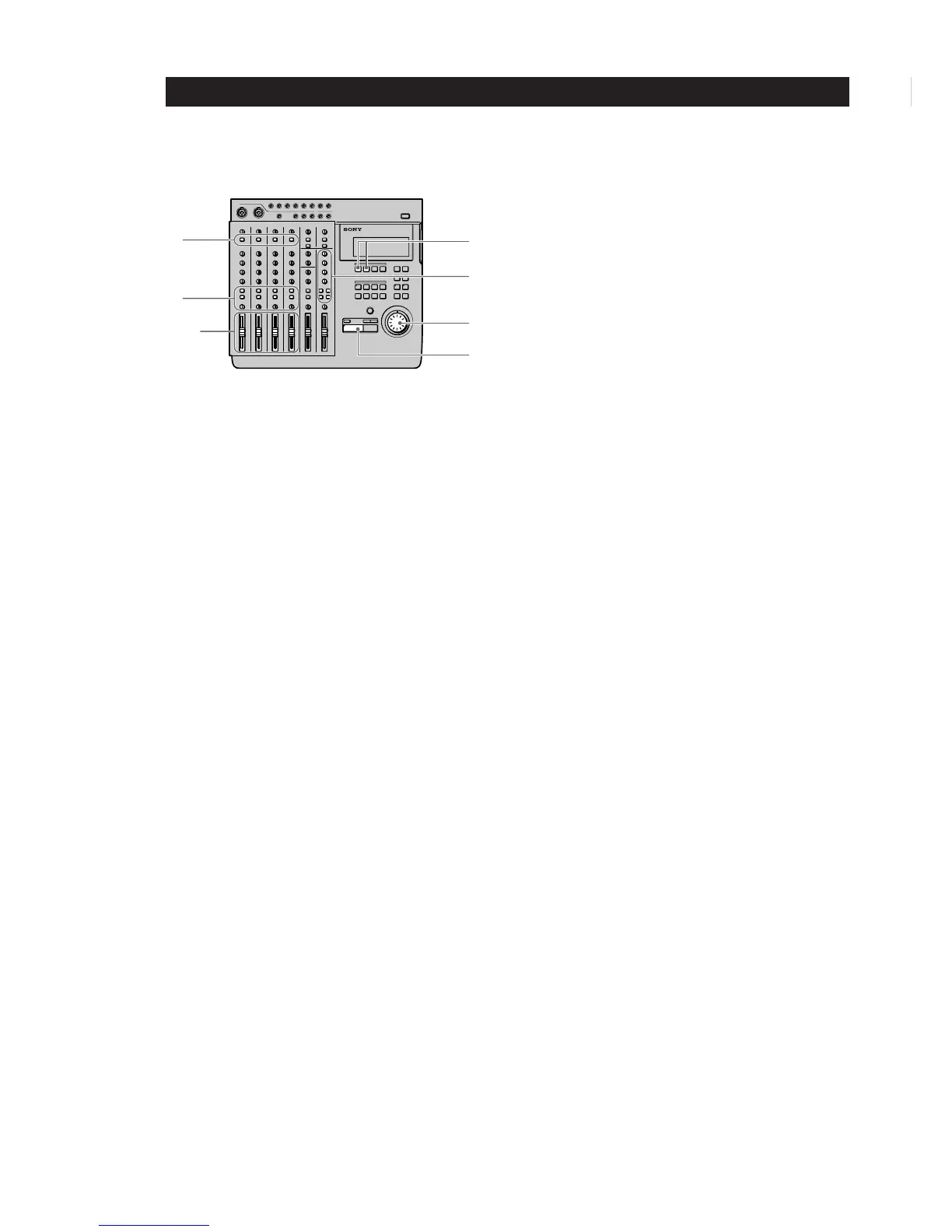
1 Press down the INPUT switches on channels 1~4.
(Set channels 1~4 to receive the (TRACK) sound
played back from the recorder.)
2 Set the faders for channels 1~4 to about 7 or 8.
3 Set the ASSIGN switches and PAN knobs for
channels 1~4 to direct the sound to tracks 1 and 2.
(Set the playback sounds input from the recorder
to channels 1~4 to be recorded on tracks 1 and 2.)
4 Prepare the monitor.
• Press the monitor track key corresponding to
the group path selected in step 3 (In this case,
press 1-2).
• Turn the MONITOR knob and the TRACK
knob(s) to adjust the sound to a level that can be
monitored.
5 Press ( PLAY.
Playback begins.
6 Use the faders for channels 1~4 to adjust the
record balance of the sound to be recorded on
tracks 1 and 2.
You may also need to adjust the monitor balance
at this time.
Press the p STOP key after making the necessary
adjustments.
7 Turn the jog dial to locate the point on the counter
where the recording will begin.
8 Press the REC SELECT key for tracks 1 and 2.
This makes it possible to record on tracks 1 and 2.
Recording
1 Press REC.
The unit switches to record pause mode.
2 Press ( PLAY.
Recording begins.
Play together with the previously recorded
performance.
3 When you’ve finished playing, press p STOP.
Checking the Recording
1 Turn the jog dial to set the counter to the point
you want to hear.
2 Press CUE to prepare for monitoring.
Adjust the monitor volume using the respective
TRACK knobs and the MONITOR knob.
3 Press ( PLAY.
Playback begins.
7
5
8
4
2,6
3
1



 To Next Page