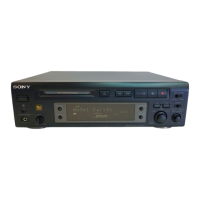
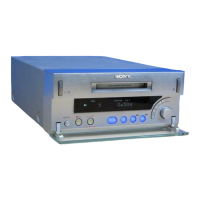
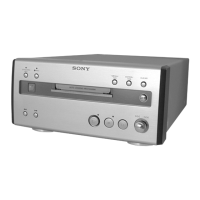
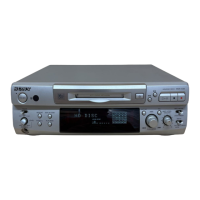
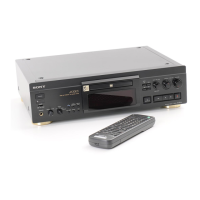
Connecting Optional AV
Components
You can connect a digital components (such as a DAT
deck or another MD deck) for digital recording. Refer
to the instructions of the component for details
regarding its operation.
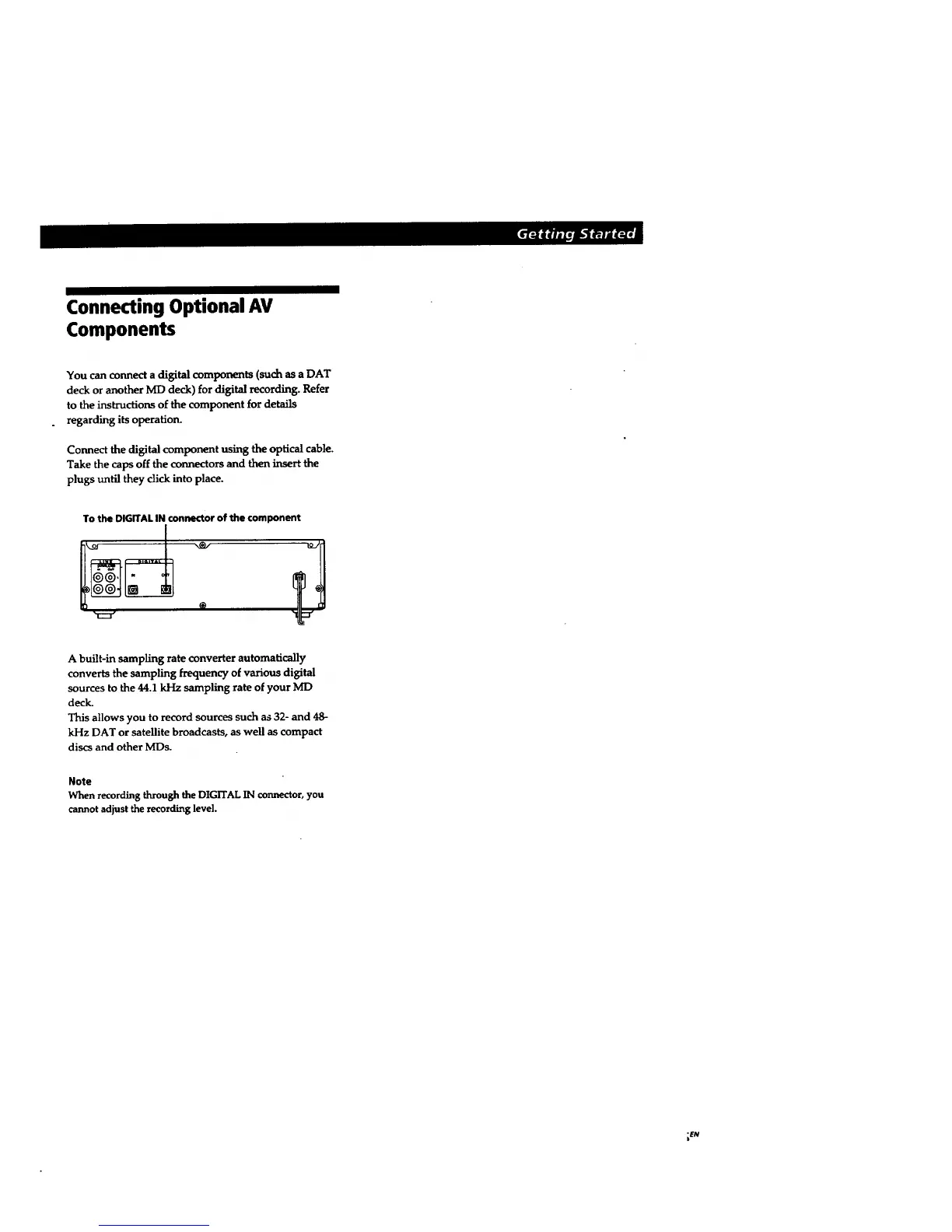
Connect the digital component using the optical cable.
Take the caps off the connectors and then insert the
plugs until they click into place.
To the DIGITAL IN connector of the component
A built-in sampling rate converter automatically
converts the sampling frequency ofvarious digital
sources to the 44.1 kHz sampling rate of your ME)
deck.
This allows you to record sources such as 32- and 48-
kHz DAT or satellite broadcasts, as well as compact
discs and other MDs.
Note
When recording through the DIGITAL IN connector, you
cannot adjust the recording level.
_N



 To Next Page